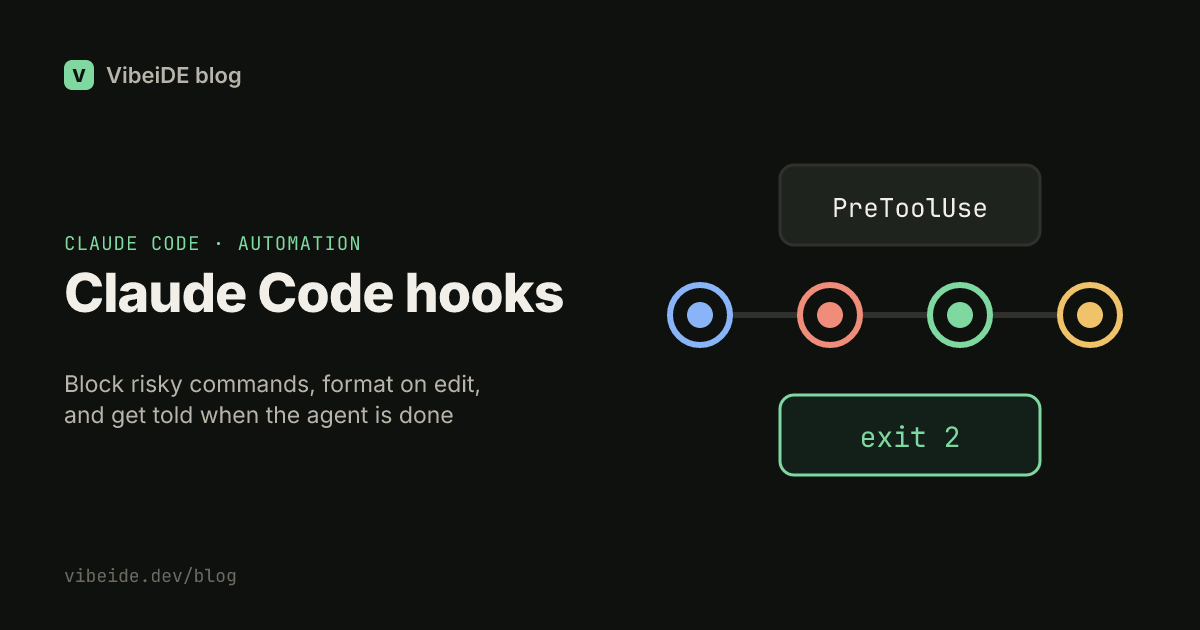
You can write "never run rm -rf" in CLAUDE.md, and Claude Code will usually respect it. Usually is the problem. Instructions are context: the model reads them and weighs them against everything else in a long session. Hooks are different. A hook is a command that Claude Code runs at a fixed point in its lifecycle, every time, whether the model remembers your rule or not.
This guide covers what hooks are, where they live, how they talk back to Claude Code, and three hooks worth adding today: one that blocks a dangerous command, one that formats every edit, and one that tells you when a session is done. Details are based on the official hooks reference as of September 2026.
What a Claude Code hook is
A hook is a shell command (or another handler type) attached to a lifecycle event. When the event fires, Claude Code runs your command and passes it a JSON description of what is happening. Your command decides what to do: log it, change a file, or stop the action entirely.
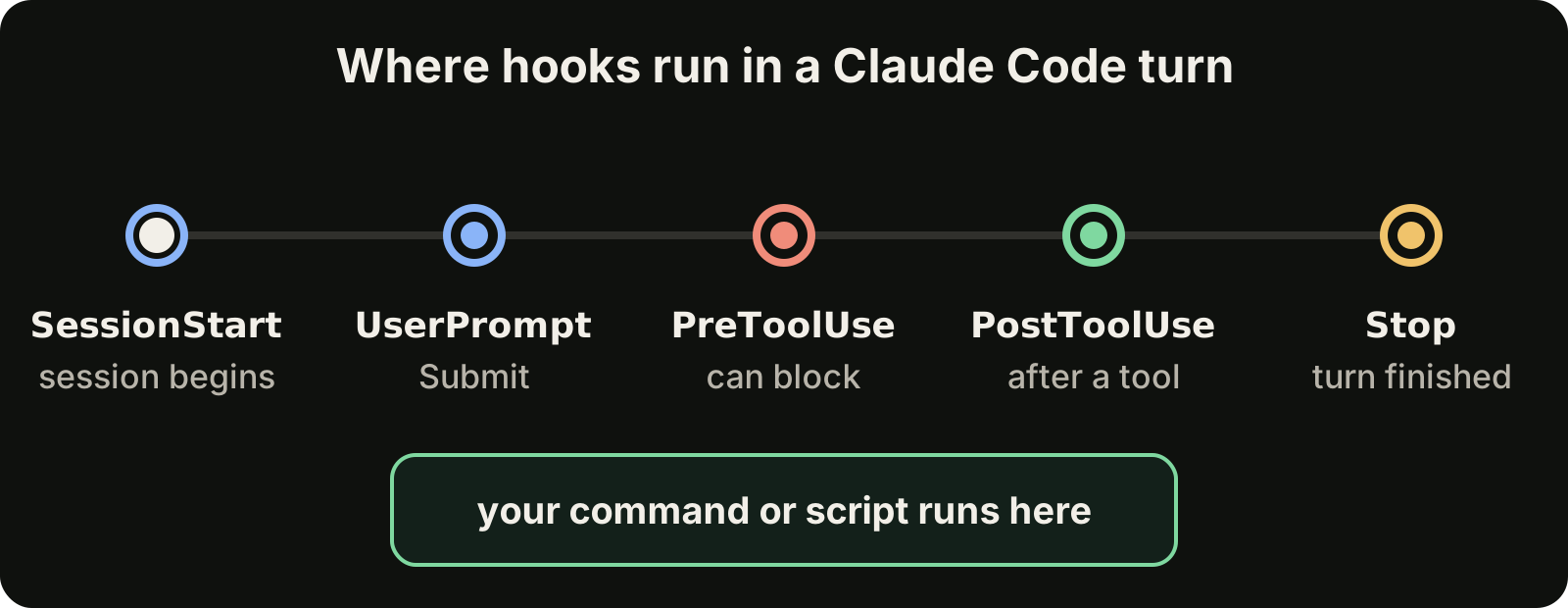
There are more than 30 events in total, but five cover most real workflows:
| Event | When it fires | Typical use |
|---|---|---|
| SessionStart | A session starts or resumes | Load context, print project status |
| UserPromptSubmit | You submit a prompt, before Claude sees it | Add context, reject prompts with secrets |
| PreToolUse | Before a tool call runs | Block or approve commands and edits |
| PostToolUse | After a tool call succeeds | Format, lint or test what changed |
| Stop | Claude finishes responding | Notify you, run a final check |
The difference from an instruction is certainty. A PreToolUse hook on the Bash tool runs before every single Bash command. It does not get tired in a long session and it does not skip a rule because the context window filled up.
Where hooks live
Hooks are configured in the same JSON settings files as the rest of Claude Code:
~/.claude/settings.jsonapplies to every project on your machine..claude/settings.jsonin a repository is shared with your team through git..claude/settings.local.jsonis for your personal overrides in one repository and is not committed.
A hook entry names the event, an optional matcher, and the command to run:
{
  "hooks": {
    "PreToolUse": [
      {
        "matcher": "Bash",
        "hooks": [
          {
            "type": "command",
            "command": "${CLAUDE_PROJECT_DIR}/.claude/hooks/block-rm.sh"
          }
        ]
      }
    ]
  }
}
The matcher filters which tools trigger the hook. It can be an exact tool name like Bash, several names like Edit|Write, a regular expression, or an MCP tool in the form mcp__<server>__<tool>. You can narrow a hook further with the if field, which takes a permission rule such as Bash(rm *), so the command only runs when that pattern matches.
Run /hooks inside Claude Code to browse what is configured. It is a read-only view, so you still edit the JSON files to change anything.
How a hook talks back
Your command receives JSON on stdin. It includes fields such as session_id, cwd, hook_event_name, and, for tool events, tool_name and tool_input. For a Bash call, tool_input.command holds the exact command Claude wants to run.
The exit code is the answer:
| Exit code | Meaning |
|---|---|
| 0 | Success. The action continues. |
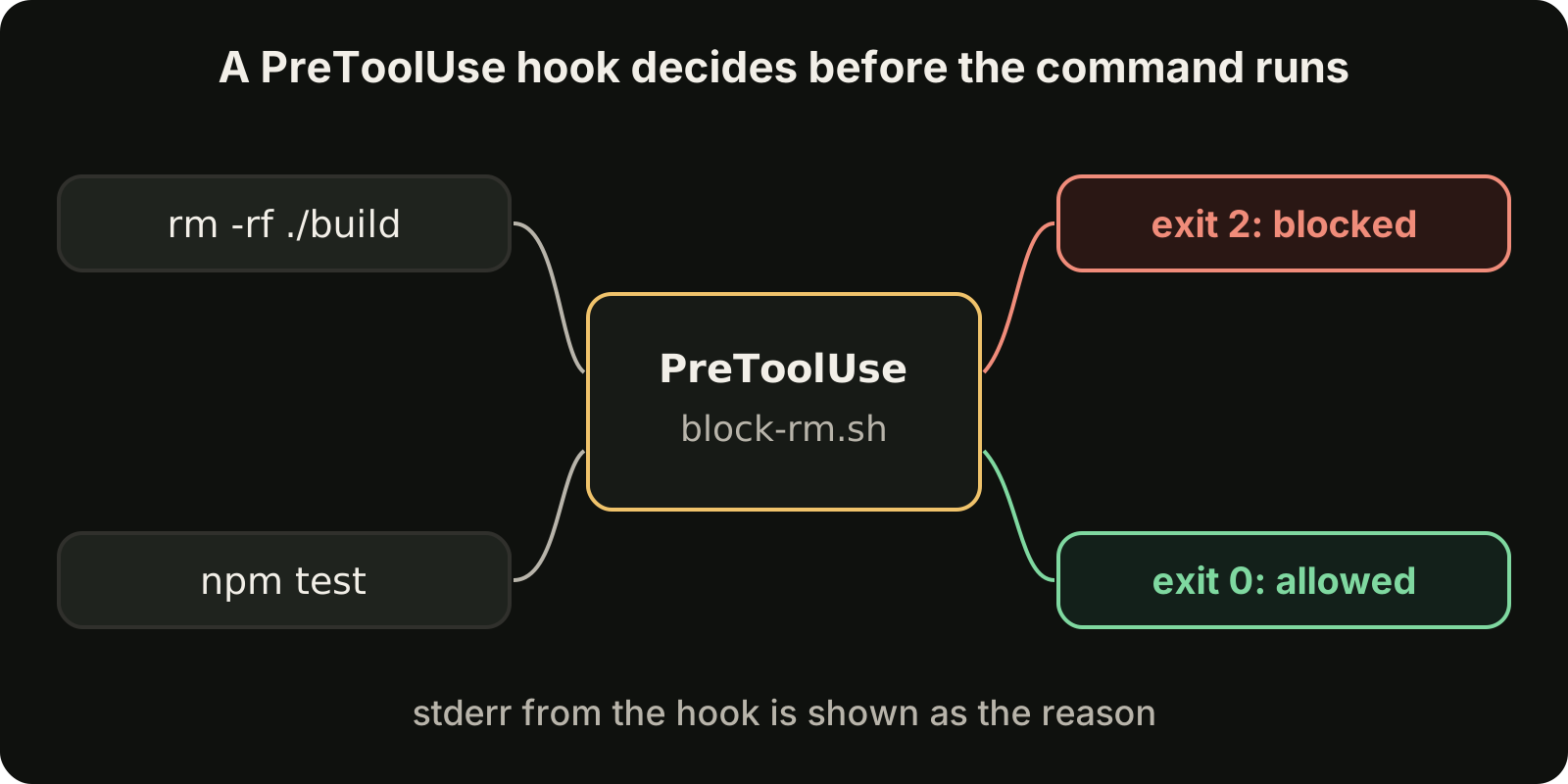
| 2 | Blocking error. The action is stopped and your stderr is shown to Claude as the reason. |
| Anything else | Non-blocking error. It is reported, and the action continues. |
Exit code 2 is the important one. Because stderr goes back to Claude, a good blocking message does two jobs: it stops the action and tells the model what to do instead. For finer control, a PreToolUse hook can print JSON with a permissionDecision of allow, deny, ask or defer, but plain exit codes are enough for most hooks.
Hook 1: block dangerous commands
Save this as .claude/hooks/block-rm.sh and make it executable with chmod +x:
#!/usr/bin/env bash
cmd=$(jq -r '.tool_input.command')
if echo "$cmd" | grep -qE 'rm -rf'; then
  echo "Blocked: rm -rf is not allowed in this repository" >&2
  exit 2
fi
exit 0
With the settings entry from above, every Bash command passes through this script first. A normal command exits 0 and runs. Anything containing rm -rf exits 2, never runs, and Claude receives the reason so it can pick a safer approach.
The same pattern works for anything you never want an agent to do on its own: force pushes to main, dropping a database, editing a lockfile by hand, or touching a .env file. Keep the pattern list short and specific. A hook that blocks too much trains you to disable it.
Hook 2: format every edit
Formatting is a classic case where instructions fail quietly. The model writes code that is almost in your style, and the diff fills with whitespace noise. A PostToolUse hook fixes it after every edit instead of hoping for it:
{
  "hooks": {
    "PostToolUse": [
      {
        "matcher": "Edit|Write",
        "hooks": [
          {
            "type": "command",
            "command": "jq -r '.tool_input.file_path' | xargs npx prettier --write"
          }
        ]
      }
    ]
  }
}
The matcher Edit|Write runs the hook only when Claude changes a file. The command reads the file path from the JSON on stdin and hands it to Prettier. Swap in black, gofmt, rustfmt or your linter of choice. Your reviews get shorter because the diff only contains changes that mean something.
Hook 3: get notified when Claude is done
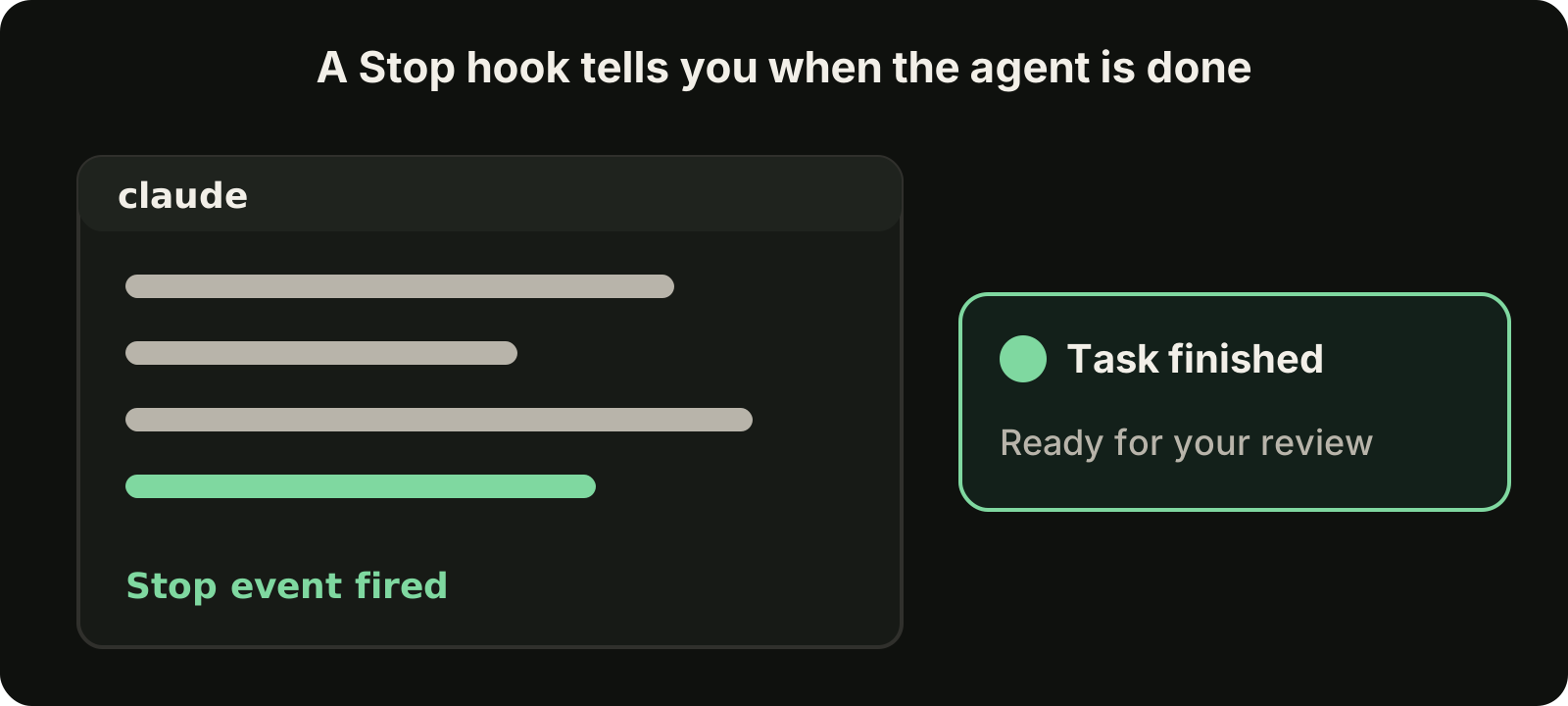
Long tasks tempt you to switch windows, and then a finished session sits unnoticed for twenty minutes. A Stop hook fires when Claude finishes responding:
{
  "hooks": {
    "Stop": [
      {
        "hooks": [
          {
            "type": "command",
            "command": "osascript -e 'display notification \"Claude finished\" with title \"Claude Code\"'"
          }
        ]
      }
    ]
  }
}
That command is for macOS. On Linux, use notify-send "Claude Code" "Claude finished" instead. You can also post to a chat webhook or play a sound. The point is that the finished work comes to you, so you review it while the context is still fresh.
Safety and debugging
Hooks run shell commands with your user permissions, so treat them like any script you run from a repository:
- Project hooks only run after you accept the workspace trust prompt for that folder. Read
.claude/settings.jsonbefore you trust a repository you cloned from someone else. - Quote variables and paths in your scripts. Tool input comes from the model, which can include spaces and special characters.
- Keep hooks fast. A slow
PreToolUsehook slows down every tool call. - To see what is happening, start Claude Code with
claude --debug-file debug.logand read the log for hook runs, inputs and exit codes. - To switch everything off temporarily, set
"disableAllHooks": truein your settings.
Test a hook by hand before trusting it. Pipe sample JSON into your script, such as echo '{"tool_input":{"command":"rm -rf build"}}' | .claude/hooks/block-rm.sh, and check the exit code with echo $?.
Hooks, instructions and plans
Hooks do not replace your other tools. They cover the part that must happen every time:
- CLAUDE.md for conventions and context: how the project is structured, which commands to run, what style to follow.
- Skills for repeatable procedures, such as a release checklist, that should load only when they are needed. See our guide to Claude Code skills.
- Plan mode for deciding what to build before any file changes. See our guide to Claude Code plan mode.
- Hooks for rules that cannot depend on the model remembering them: blocking, formatting, notifying.
- Review for everything else. Hooks catch the mechanical mistakes, which leaves your attention for logic. Our checklist for reviewing AI-generated code covers that part.
A useful test: if breaking a rule would cost you real time or real data, it belongs in a hook, not only in a sentence.
Where VibeiDE fits
VibeiDE is a desktop app that coordinates the Codex, Claude Code and OpenCode CLIs you already installed, with your own provider accounts. Claude Code runs in an embedded terminal that shows the original CLI interface, so the hooks in your settings keep working as they do in any other terminal. On top of that, each project has its own task queue and finished tasks wait in Ready for review, which pairs well with a Stop notification when several sessions run at once. See the Claude Code page or set it up in about three minutes with a 14-day trial and no card.
Takeaways
- Instructions are context; hooks are guarantees. Use hooks for anything that must happen every time.
- Start with three: a
PreToolUseguard for dangerous commands, aPostToolUseformatter, and aStopnotification. - Exit code 2 blocks the action and sends your stderr to Claude as the reason, so write messages that suggest the safe alternative.
- Put team hooks in
.claude/settings.json, personal ones in.claude/settings.local.json, and check what loaded with/hooks. - Debug with
claude --debug-file debug.logand test scripts by piping sample JSON into them.