The most expensive mistake a coding agent makes is not a typo. It is a wrong approach: the right code for the wrong design, written confidently across a dozen files. By the time you read the diff, the work is done and the only fix is to throw it away.
Claude Code has a mode built to catch that mistake early. In plan mode, Claude reads your code and proposes a plan, but it makes no edits until you approve. This guide covers how plan mode works, how to enter it, what a good plan should contain, and how to review one before anything touches disk.
What plan mode does
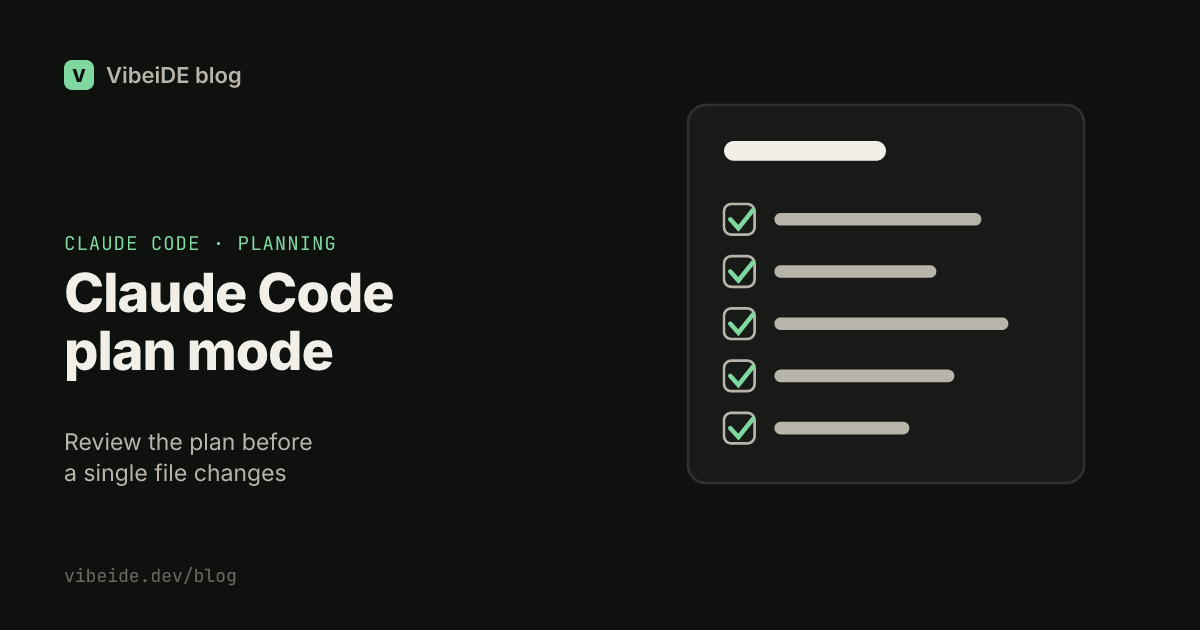
Plan mode is a read-only permission mode. While it is on, Claude can explore the repository: read files, search, and reason about the change. It cannot edit files or change your project. At the end it presents a plan, and you decide what happens next.
As of September 2026, the common workflows documentation describes it this way: Claude reads files and proposes a plan but makes no edits until you approve, and the status bar shows that plan mode is on while it is active. The permission modes documentation covers the approval flow in detail.
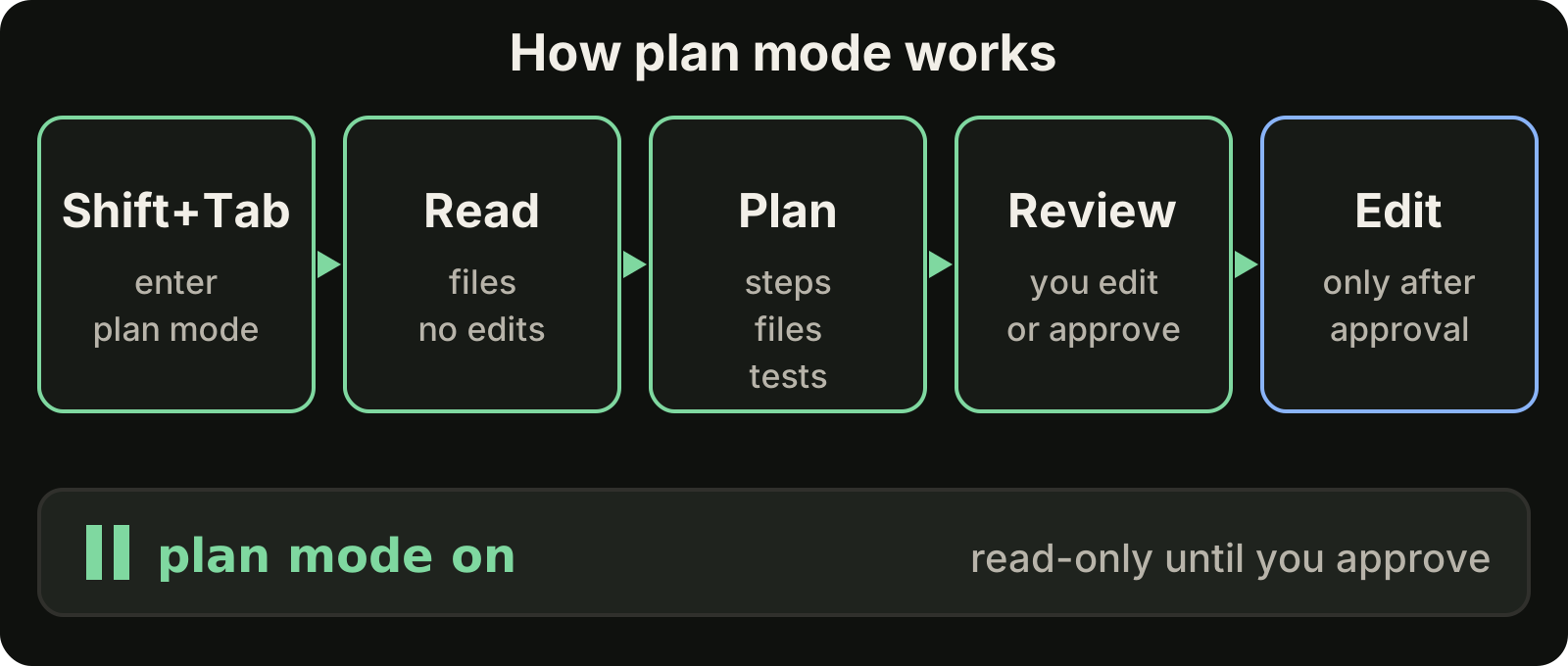
The value is simple. A plan is cheap to change. Code is not.
How to enter plan mode
There are three ways, depending on when you decide you want a plan.
At startup, pass the permission mode on the command line:
claude --permission-mode planMid-session, press Shift+Tab until the status bar shows that plan mode is on. This is the fastest way to switch when a task turns out to be bigger than you expected.
As a default, set it in your settings so every session starts in plan mode:
{
  "permissions": {
    "defaultMode": "plan"
  }
}
The default setting suits repositories where every change is risky, such as payments or infrastructure code. For everyday work, switching in when you need it is usually enough.
When to use plan mode
Not every task needs a plan. A copy fix does not. Use plan mode when a wrong approach would be costly:
- Changes that touch many files, such as renaming a concept across the codebase.
- Risky areas: authentication, payments, migrations, permissions, anything with data loss potential.
- Unfamiliar code, where you want to see how Claude understands the system before it changes it.
- Ambiguous requests, where the plan doubles as a way to check that Claude understood what you asked.
A useful rule: if you would want a teammate to explain their approach before starting, ask Claude for a plan.
Ask for a plan you can actually review
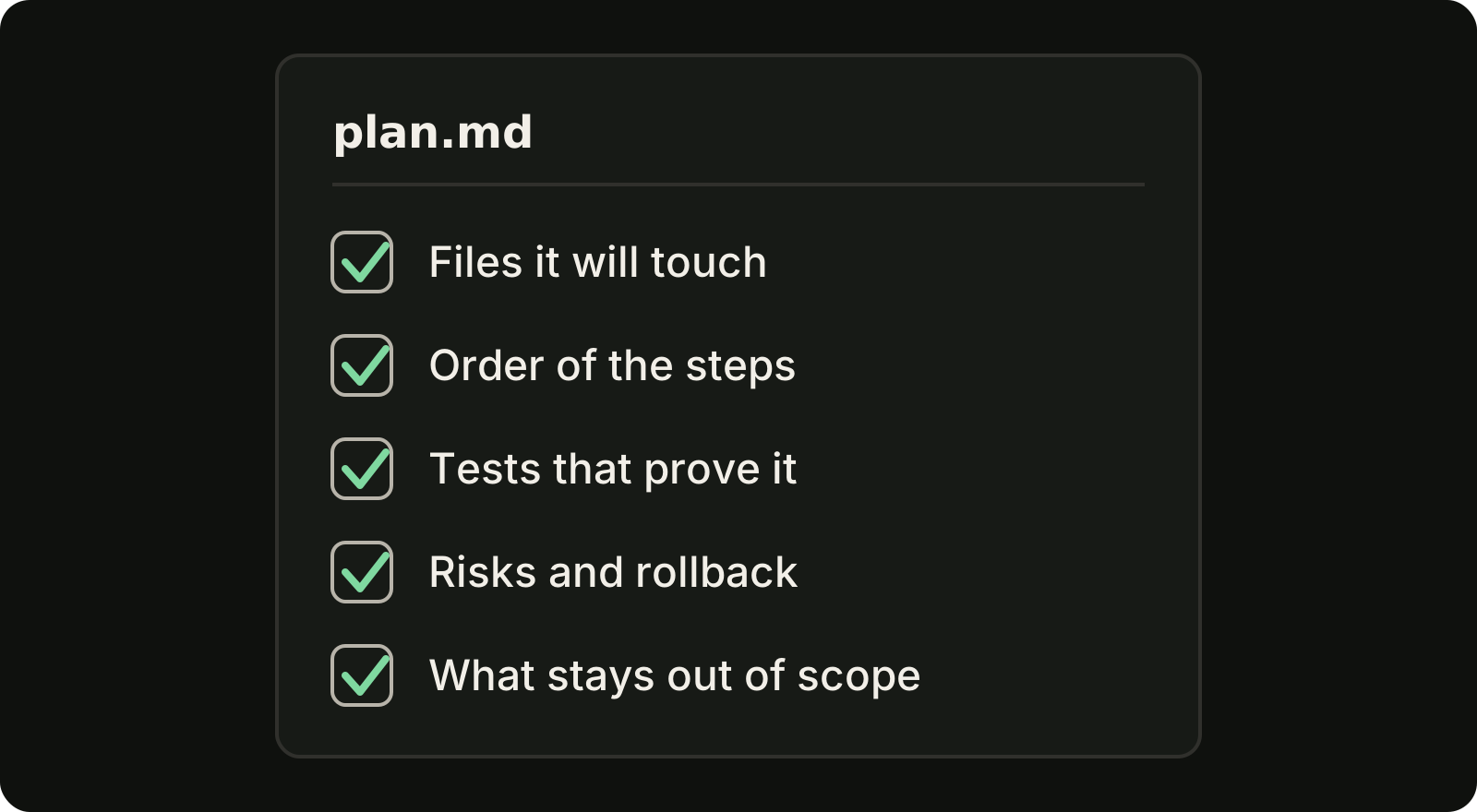
The plan you get depends on what you ask for. A vague request produces a vague plan. Ask for the parts you need to judge it:
Plan how to add CSV export to the invoices list.
Include: the files you will change or create, the order of the steps,
the tests that will prove it works, the risks, and what you will not change.
Do not write any code yet.
That last part is worth repeating even in plan mode. It keeps the plan at the level of decisions rather than drafts of code.
How to review a plan
Read the plan the way you would read a design proposal from a colleague. Check five things:
- Files. Does the list of files match your mental model of the change? A file you did not expect is either a gap in your understanding or a sign the plan is drifting.
- Order. Do the steps build on each other sensibly? Migrations before code that needs them, interfaces before callers.
- Tests. Is there a concrete check that proves each part works? "Add tests" is not a check. "Add a test that exports with a date filter applied" is.
- Risks and rollback. Does the plan name what could break, and how you would undo it?
- Scope. Does the plan say what it will not touch? Plans without a boundary tend to grow during implementation.
If something is wrong, say so and ask for a revised plan. This is the cheapest iteration you will get in the whole task. You can also edit the plan yourself before approving it; the permission modes documentation covers how.
After you approve
Approving the plan lets Claude leave plan mode and start editing. Two habits keep the implementation honest:
- Compare the diff with the plan. When the task finishes, check the changed files against the plan's file list. Anything extra needs a reason.
- Keep the plan. Save the approved plan with the task or in the pull request description. It tells the reviewer what the change was meant to do, which makes the diff much faster to read.
For the review step itself, see our guide on how to review AI generated code.
Get a second opinion on the plan
A plan reviewed only by the agent that wrote it has a blind spot: the same model that made an assumption is unlikely to question it. For the riskiest changes, have a different agent critique the plan before you approve it.
A simple manual version: copy the plan into a Codex session running in the read-only sandbox, and ask it to find wrong assumptions, missing steps and missing tests. Send the critique back to Claude and ask for a revised plan. Different models tend to be wrong in different ways, so the second reader catches things the first one cannot. Our comparison of Codex vs Claude Code covers how the two differ.
Where VibeiDE fits
VibeiDE is a desktop app that coordinates the Codex, Claude Code and OpenCode CLIs you already installed, with your own provider accounts. Its Plan council automates the second opinion above: one provider drafts a plan, the other reviews it critically, and the author revises it before you decide to implement. It uses both Codex and Claude Code, and each task keeps its saved provider conversation, so you can follow up on the plan instead of re-explaining it. More on the Claude Code page.
Takeaways
- Plan mode is read-only: Claude explores and proposes, and edits only after you approve.
- Enter it with
claude --permission-mode plan, withShift+Tabmid-session, or as a default in settings. - Use it for changes that are risky, wide or unclear, not for every small fix.
- Ask for files, steps, tests, risks and scope, then review each of them.
- Compare the final diff with the approved plan, and keep the plan with the change.
- For the riskiest work, have a second model review the plan before you approve it.