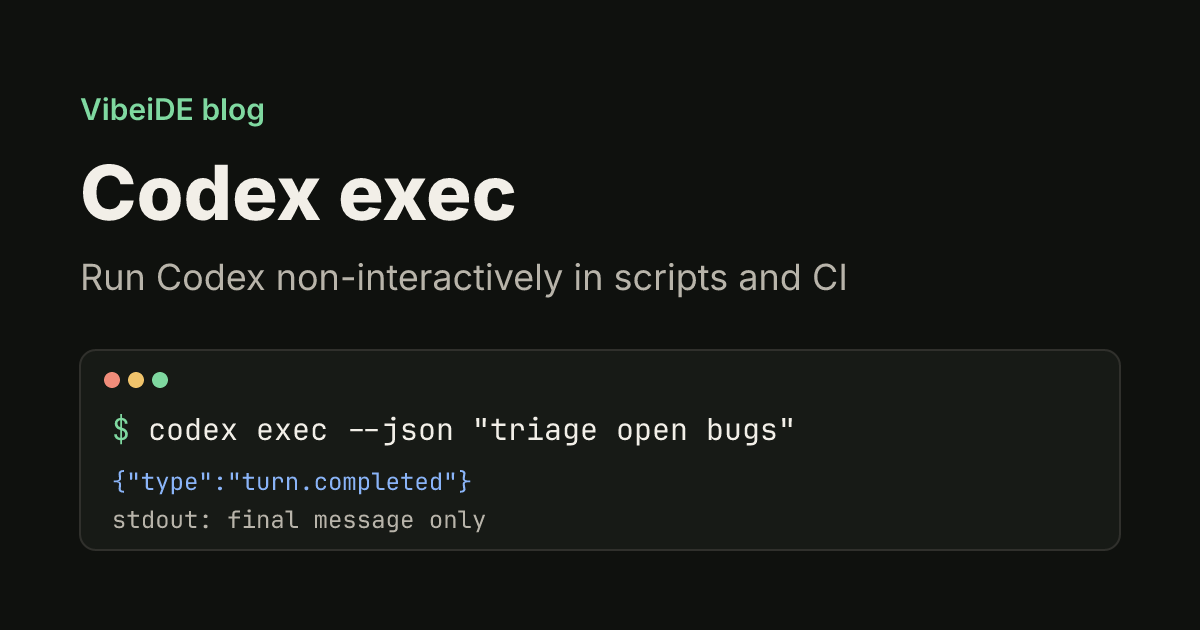
Most people meet Codex in its interactive terminal UI. The same agent also runs without that UI: codex exec takes a prompt, works through the task, prints the final answer and exits. That makes it the piece you use in shell scripts, git hooks, cron jobs and CI pipelines, anywhere nobody is sitting at the keyboard.
This guide covers what codex exec does by default, how to give it more or less permission, how to get output a script can parse, how to continue a run with codex exec resume, and how to run it safely in CI. Commands and flags follow the official non-interactive mode documentation and the Codex source code as of October 2026. If Codex is not installed yet, start with our guide to installing the Codex CLI.
What codex exec does
codex exec (alias codex e) runs one task non-interactively. You pass the instructions as an argument, Codex reads the repository, runs commands inside its sandbox and stops when the task is done.
codex exec "summarize the repository structure and list the top 5 risky areas"Two details make it script friendly:
- Progress goes to stderr, the answer goes to stdout. While Codex works, its steps stream to stderr. Only the final agent message is printed to stdout, so you can pipe or redirect it without filtering anything out.
- It expects a Git repository. Codex refuses to run outside one, as a guard against destructive changes in folders you cannot roll back. Add
--skip-git-repo-checkwhen you deliberately run it elsewhere, such as a scratch directory.
Because stdout carries only the answer, saving a result is a plain redirect:
codex exec "generate release notes for the last 10 commits" | tee release-notes.mdFeed it input from stdin
codex exec reads standard input in two ways. If you pass a prompt and pipe data in, the piped text becomes context for that prompt:
git diff main...HEAD | codex exec "explain what this diff changes, file by file" > diff-notes.mdIf you pass - as the prompt, or no prompt at all, stdin becomes the whole prompt. That is useful when a script builds the instructions from a template:
cat prompts/triage.md | codex exec -The resume and review subcommands described below accept - the same way.
Permissions: read-only unless you say otherwise
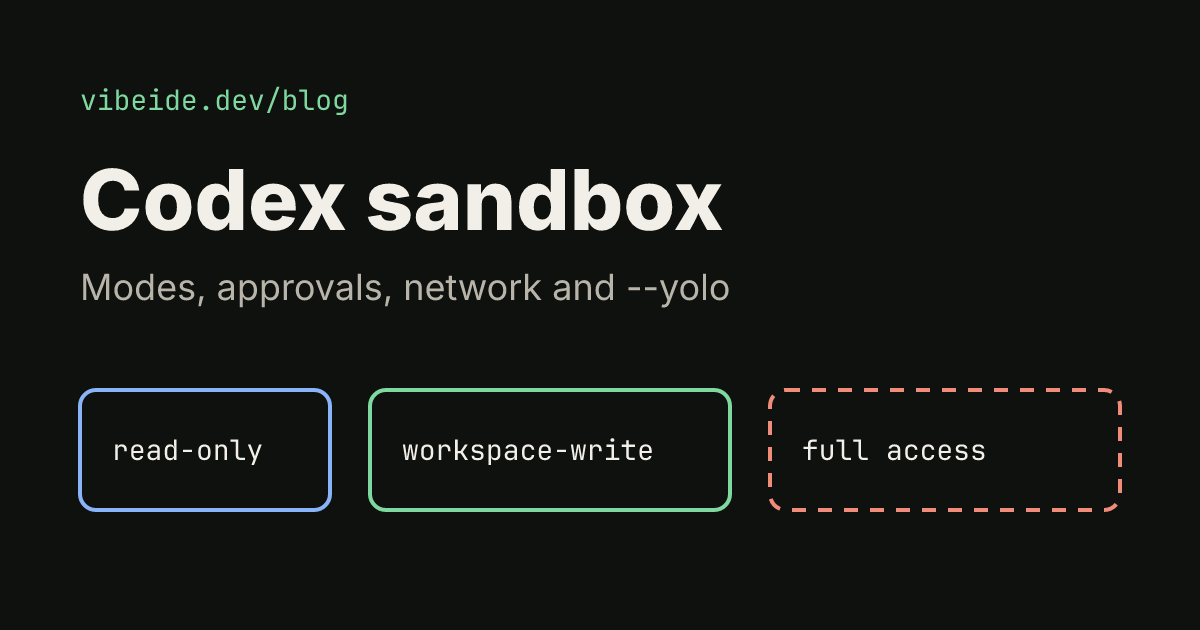
The most important default to know: codex exec runs in a read-only sandbox. Codex can read files and run commands that only look around, but it cannot change your working tree. That is safe for summaries, reviews and questions, and it is why a first attempt at "fix the failing test" often reports a fix without applying it.
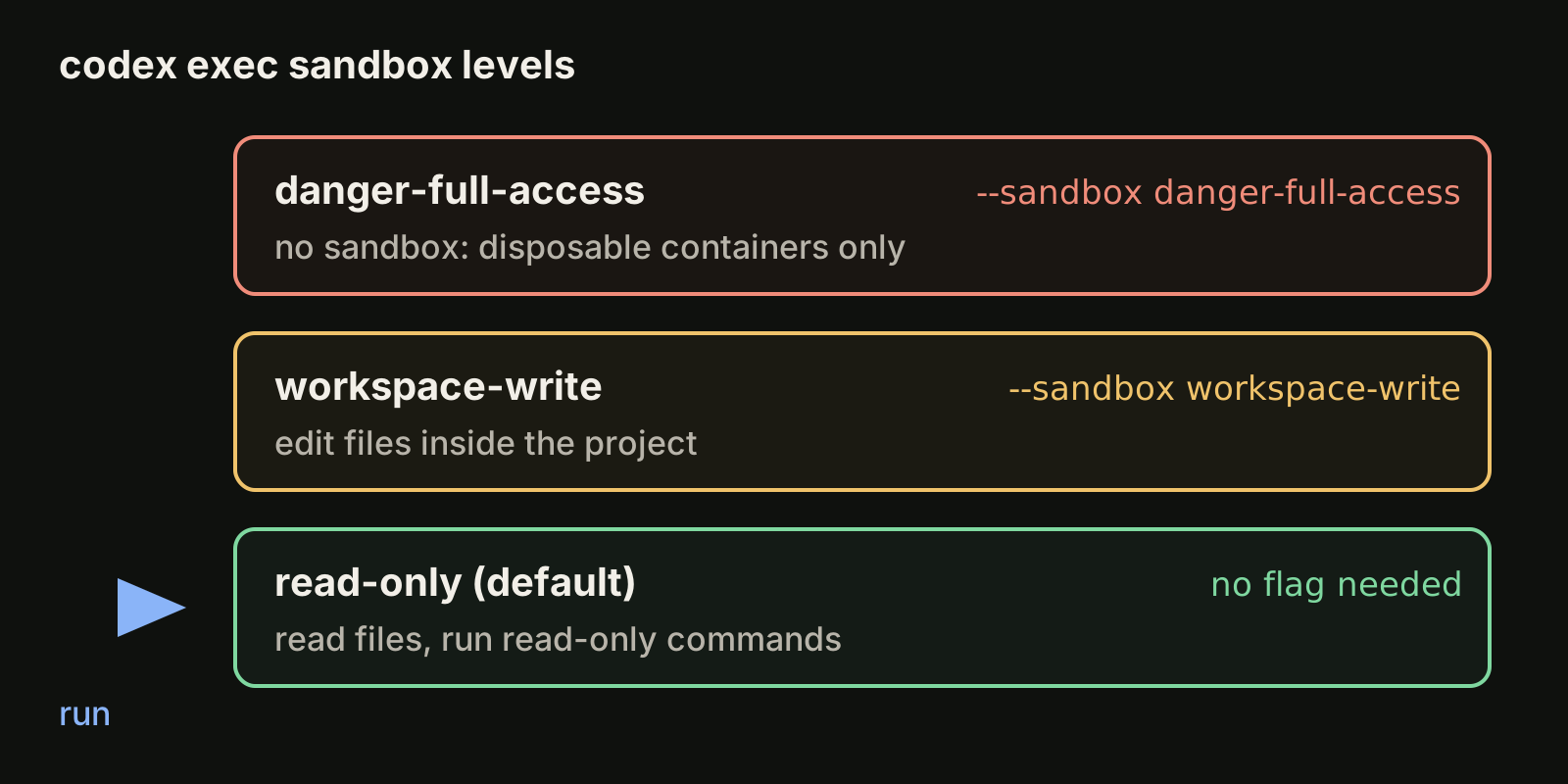
Raise the level per run with --sandbox:
| Sandbox | What Codex may do | Typical use |
|---|---|---|
read-only (default) | Read files, no writes | Summaries, reviews, questions |
workspace-write | Edit files inside the project | Fixes, refactors, generated code |
danger-full-access | No sandbox at all | Disposable containers only |
codex exec --sandbox workspace-write "fix the failing test in tests/api.test.ts"Older scripts often use --full-auto. The documentation calls it a deprecated compatibility flag that prints a warning, so write --sandbox workspace-write in new scripts. The flag --dangerously-bypass-approvals-and-sandbox (alias --yolo) removes every protection; keep it for throwaway environments that you would happily delete. Our guide to the Codex sandbox explains the modes, network access, extra writable folders and approval policies in more detail.
Two more flags help when you want a predictable run regardless of whose machine it is: --ignore-user-config skips your personal config.toml (authentication still works), and --ignore-rules skips user and project execpolicy rule files.
Get output a script can use
Plain text on stdout is enough for notes and summaries. When another program has to act on the result, codex exec has three better options.
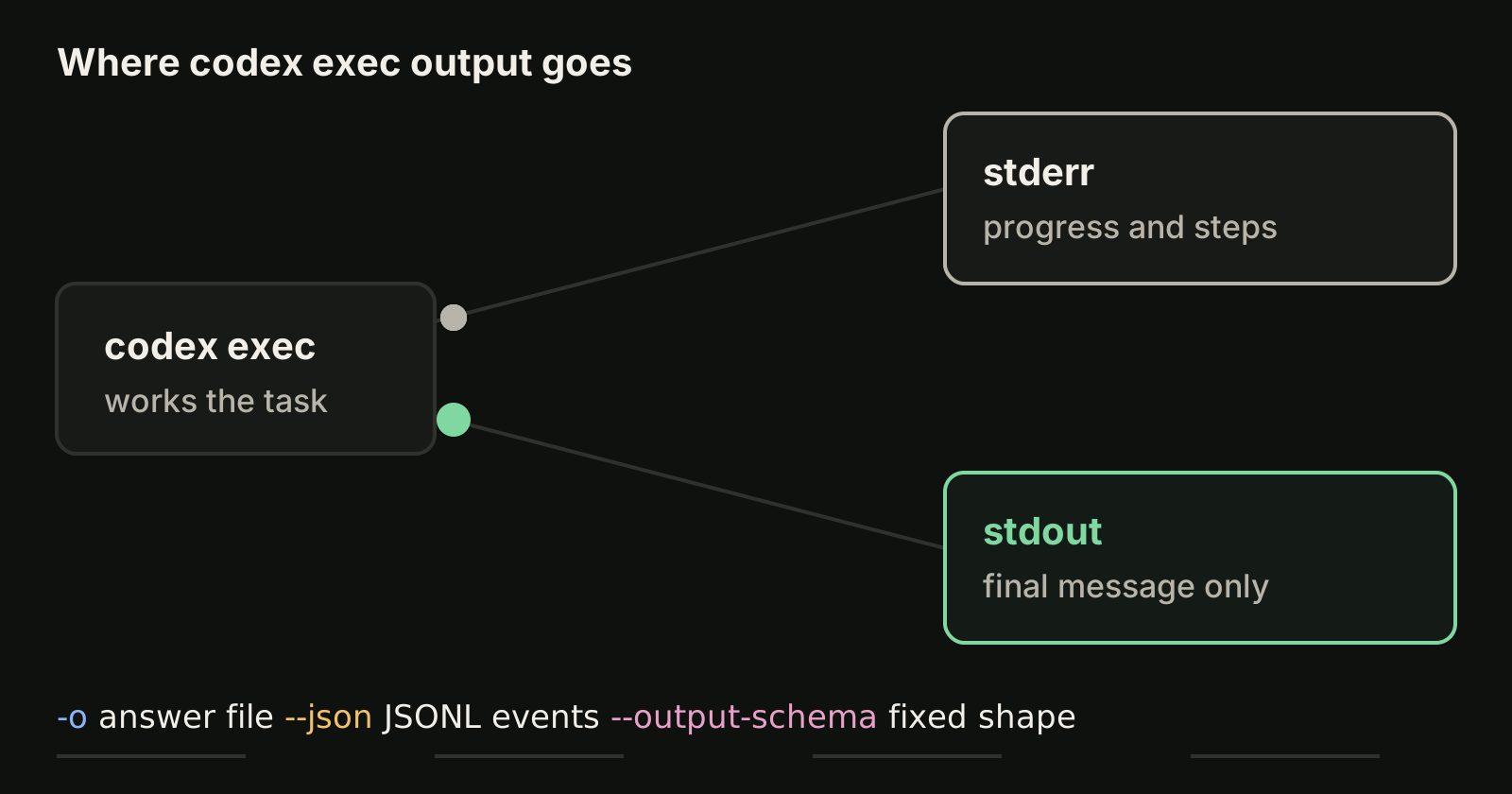
Write the final message to a file with -o (long form --output-last-message). The terminal still shows progress, and the file gets only the answer:
codex exec -o summary.md "summarize the changes on this branch for a pull request description"Stream events as JSON Lines with --json. Every step becomes one JSON object on stdout: thread.started, turn.started, item.started and item.completed for commands, file changes and messages, and finally turn.completed (with token usage) or turn.failed. A short jq filter pulls out the agent's messages:
codex exec --json "summarize the repo structure" \
  | jq -r 'select(.type == "item.completed" and .item.type == "agent_message") | .item.text'
The thread.started event carries a thread_id, which is the ID you need to resume that run later.
Force a shape with a JSON Schema. --output-schema takes a schema file and makes the final response match it, so a script gets predictable fields instead of prose:
{
  "type": "object",
  "properties": {
    "project_name": { "type": "string" },
    "programming_languages": { "type": "array", "items": { "type": "string" } }
  },
  "required": ["project_name", "programming_languages"],
  "additionalProperties": false
}
codex exec "Extract project metadata" --output-schema ./schema.json -o ./project-metadata.jsonCombining --output-schema with -o gives you a JSON file you can load directly in the next step of a pipeline.
Continue a run with codex exec resume
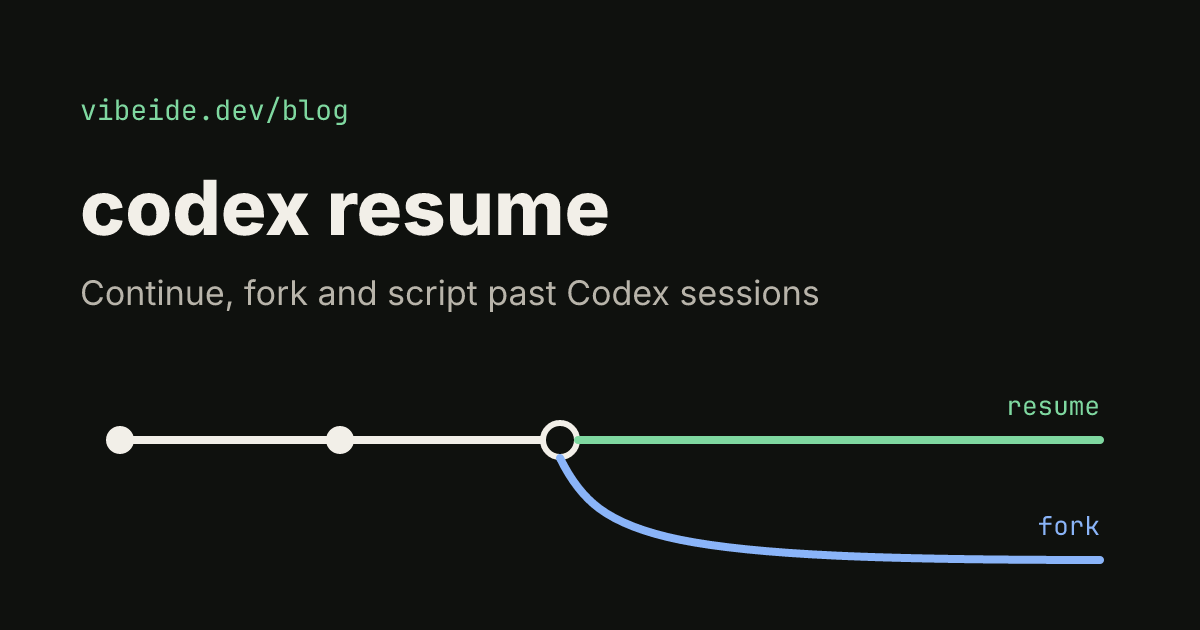
Each codex exec run is saved as a session, just like an interactive one. codex exec resume sends a follow-up prompt into that session, so Codex keeps everything it already read and decided:
codex exec "review the change for race conditions"
codex exec resume --last "fix the race conditions you found"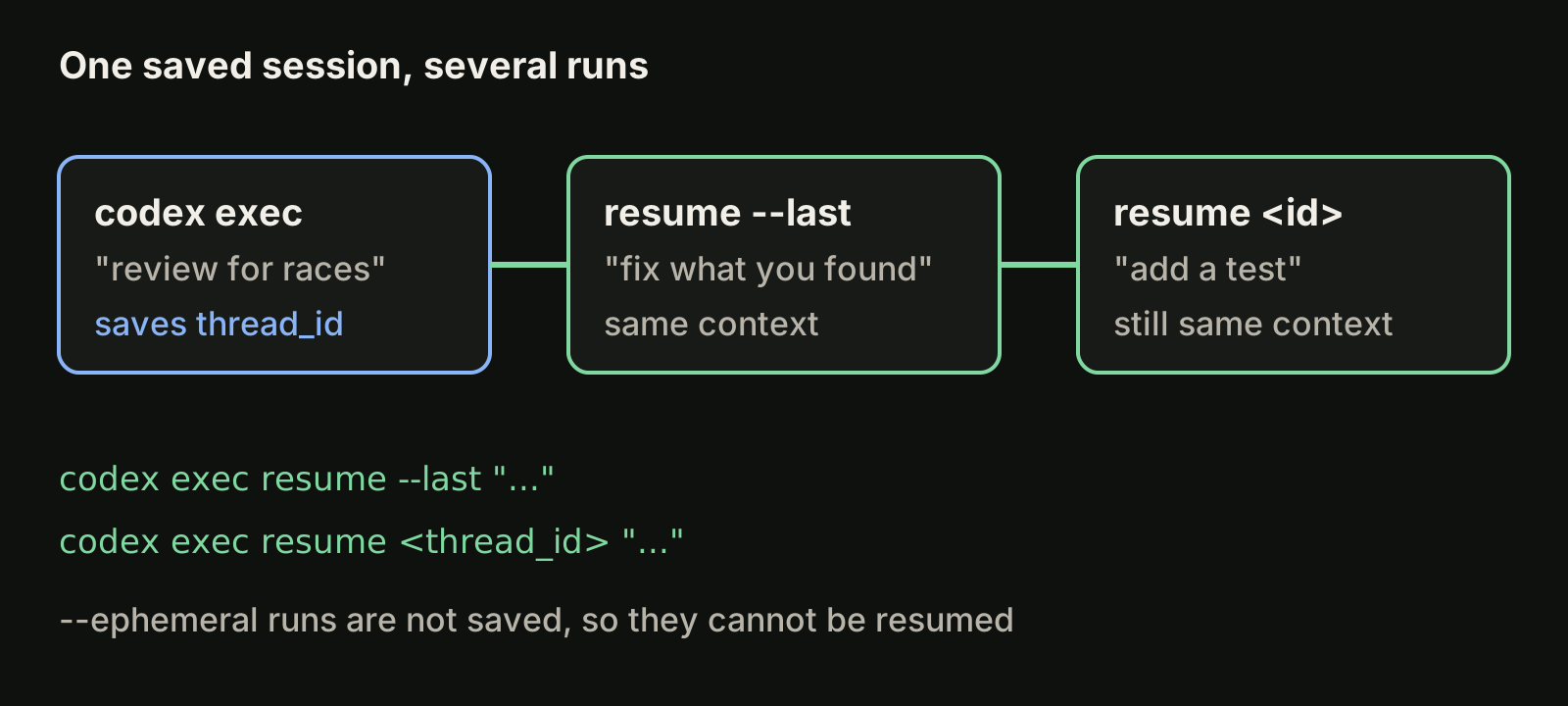
--last picks the most recent session. Pass a session ID (or a thread name) to target a specific one, and add --all if the session was started in another directory, since the lookup filters by the current directory by default. In scripts, read the ID from the thread.started event of the first run instead of relying on --last, because a second job on the same machine could create a newer session in between.
If you do not want a run saved at all, add --ephemeral. Nothing is written to disk, which suits one-off CI jobs, but it also means that run cannot be resumed. Our guide to codex resume covers the interactive picker, forks and naming sessions.
Review code with codex exec review
codex exec review runs a code review without the UI. It can review your uncommitted changes, a branch against its base, or a single commit:
codex exec review --uncommitted
codex exec review --base main
codex exec review --commit 1a2b3c4
You can add custom review instructions as a prompt, for example asking it to focus on error handling. Because a review reads code rather than changing it, this is a low-risk first step if you are trying codex exec in a pre-push hook.
Run codex exec in CI
The same commands work in CI with a few adjustments:
- Authenticate with an API key. Set
CODEX_API_KEYfor the job, for exampleCODEX_API_KEY=<api-key> codex exec --json "triage open bug reports". The documentation supports this variable forcodex exec, so you do not need an interactive login on the runner. - Choose the sandbox deliberately. Leave the default read-only sandbox for review and summary jobs. Use
--sandbox workspace-writeonly for jobs that must edit files, and let the pipeline open a pull request so a person reviews the change. - Make runs reproducible.
--ignore-user-configand--ephemeralkeep a runner's leftovers from changing behavior or piling up session files. - On GitHub, use the action. The docs recommend the Codex GitHub Action (
openai/codex-action@v1) instead of installing Codex and passing API keys to shell steps yourself.
Keep project instructions in AGENTS.md so CI runs follow the same build and test commands as your local sessions. Our guide to AGENTS.md for Codex explains how Codex finds those files.
Common problems
| Symptom | Likely cause | Fix |
|---|---|---|
| Codex describes a fix but no file changed | Default read-only sandbox | Add --sandbox workspace-write |
| Refuses to start in a folder | Not a Git repository | Run inside a repo or add --skip-git-repo-check |
| Script captures progress noise | Reading stderr as well | Read stdout only, or use -o |
Warning about --full-auto | Deprecated flag | Replace with --sandbox workspace-write |
resume --last picks the wrong run | Another run is newer | Resume by the thread_id from --json |
| Different results on CI and laptop | Personal config loaded | Add --ignore-user-config |
When a flag behaves differently from this guide, run codex exec --help: the installed version is the source of truth for its own options.
Where VibeiDE fits
codex exec is ideal for unattended jobs. For the interactive side of the same work, VibeiDE is a desktop app that coordinates the Codex, Claude Code and OpenCode CLIs you already installed, signed in with your own accounts. Codex runs in an embedded terminal that shows the original CLI interface, each project has its own task queue, each task keeps its saved provider conversation so a follow-up continues it instead of re-explaining the context, and finished tasks wait in Ready for review. See the Codex page or how the task queue works.
Takeaways
codex execruns one task without the UI: progress on stderr, the final message on stdout.- It is read-only by default; add
--sandbox workspace-writewhen the task must edit files, and drop the deprecated--full-auto. - Use
-ofor a clean answer file,--jsonfor events a script can parse, and--output-schemafor a fixed JSON shape. - Continue a run with
codex exec resume --last, or bythread_idin scripts;--ephemeralskips saving. - In CI, authenticate with
CODEX_API_KEY, keep the sandbox tight, and preferopenai/codex-action@v1on GitHub.