Codex runs real shell commands on your machine. The Codex sandbox is what keeps those commands inside a boundary you chose: which files they may change, whether they may reach the network, and when Codex has to stop and ask you first. Most surprises people hit with Codex ("why can't it run npm install?", "why did it ask me again?", "is --yolo safe?") come from mixing up the two settings that control this.
This guide explains both settings, the three sandbox modes, network access, extra writable folders, how the sandbox works on each operating system and when full access is acceptable. Flags and config keys follow the official sandboxing documentation and command reference as of October 2026.
Two settings, not one
Codex separates what a command can technically do from when Codex asks for permission.
- The sandbox mode (
--sandboxor-s) sets the technical boundary: which paths are writable and whether network access is allowed. - The approval policy (
--ask-for-approvalor-a) decides what happens when Codex wants to do something outside that boundary.
Keeping them apart is useful. You can give Codex a tight boundary and still let it ask for exceptions, or a tight boundary with no prompts at all for unattended runs. The full access option removes both at once, which is why it deserves its own section below.
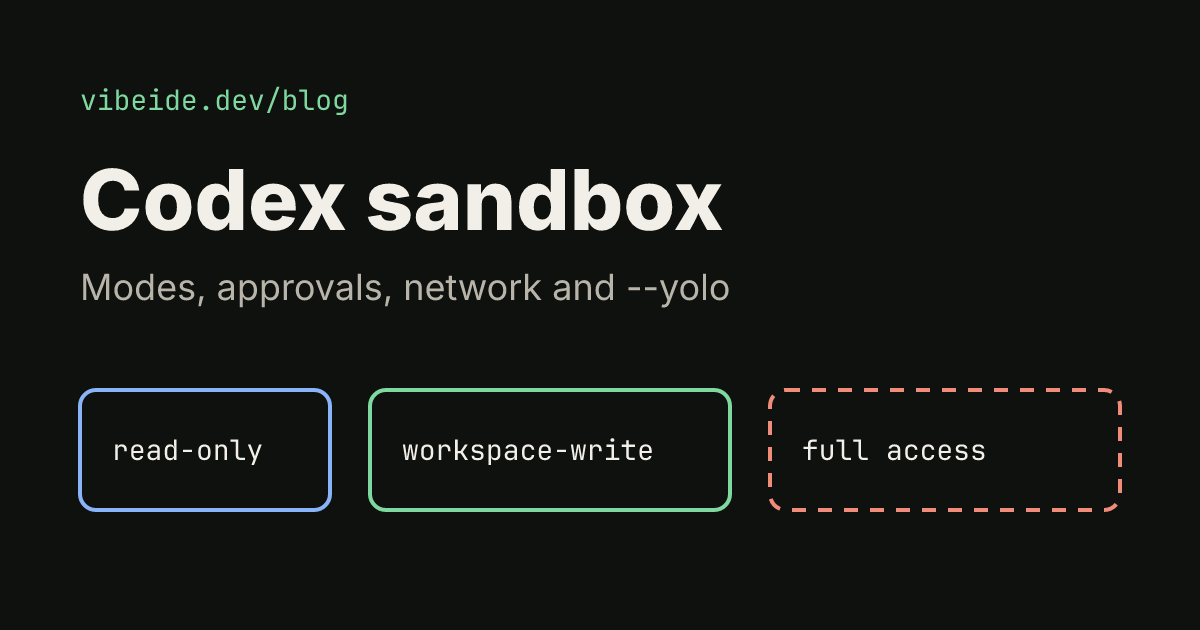
The three Codex sandbox modes
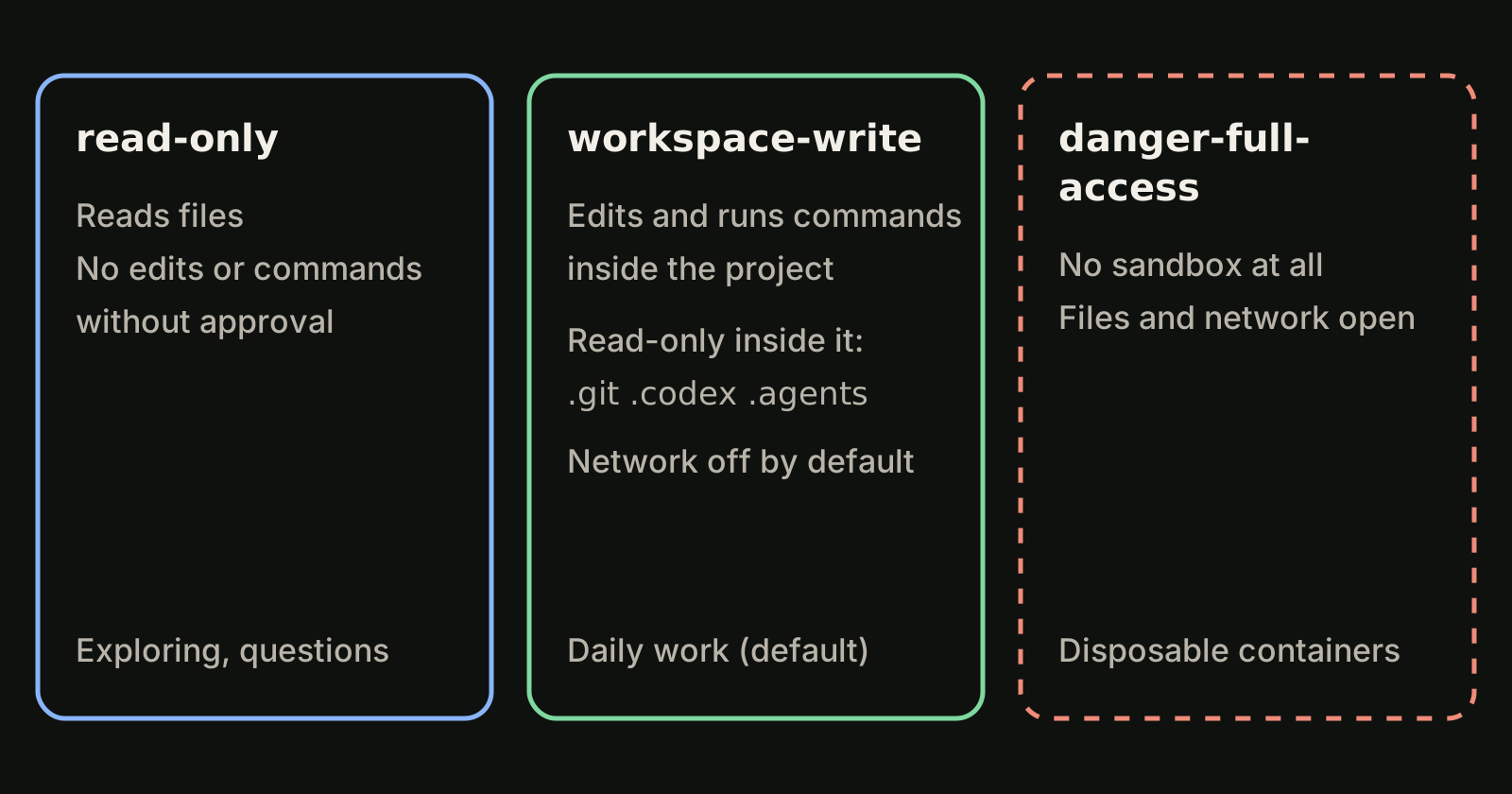
| Mode | What commands can do | Typical use |
|---|---|---|
read-only | Read files. Edits and commands need approval | Exploring a codebase, asking questions, reviews |
workspace-write | Read, edit and run routine commands inside the working directory | Everyday coding |
danger-full-access | Anything your user account can do, including network | Disposable containers and VMs only |
According to the approvals and security page, workspace-write is the default when you start Codex in a version-controlled folder, and read-only is the default in a folder that is not under version control. That is why the same prompt can edit files in one directory and only answer questions in another.
Two details of workspace-write matter in practice:
- Protected paths stay read-only. Inside the workspace,
.git,.agentsand.codexremain read-only, so Codex can edit your code but cannot rewrite repository internals or its own configuration in that folder. - Network access is off by default. Commands run without network unless you enable it (see below).
Pick a mode per run:
codex --sandbox read-only
codex --sandbox workspace-write
codex -s danger-full-access
Inside a running session, the /permissions slash command lets you switch modes and review the approval settings without restarting.
Approval policies: on-request and never
The approval policy only matters at the boundary. As of October 2026 the command reference lists two values for --ask-for-approval:
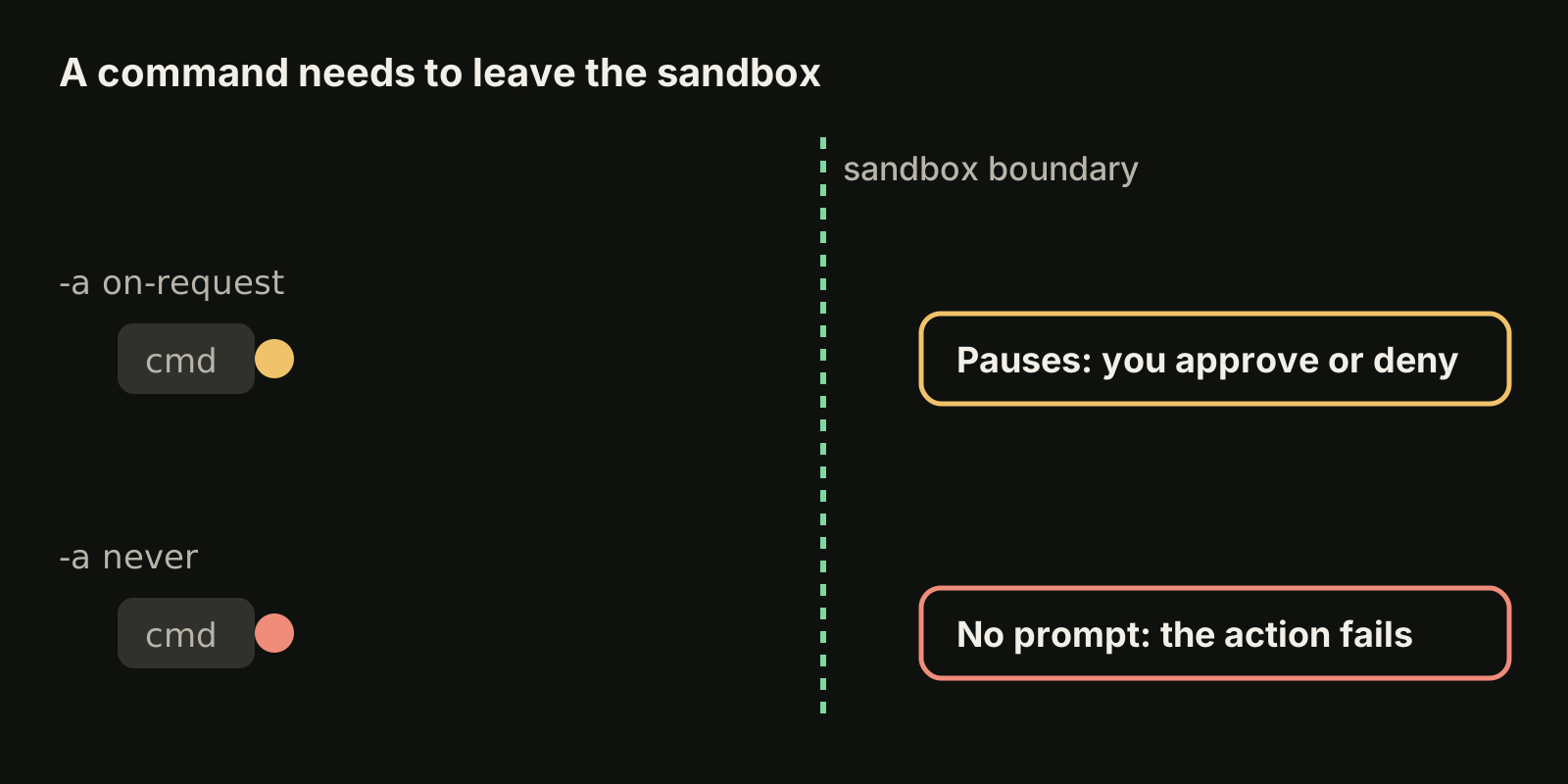
on-request(the default): when Codex needs to go beyond the sandbox, for example to write outside the workspace or use the network, it pauses and asks you.never: Codex does not pause for approval prompts. Anything that needs to cross the boundary is not allowed, so the action fails and Codex has to work with what it has.
codex --sandbox workspace-write --ask-for-approval on-request
codex exec --sandbox workspace-write --ask-for-approval never "run the test suite and fix failures"
The second line is a sensible shape for scripts: a clear boundary and no prompt that would leave a job waiting for a human. Note that codex exec starts in a read-only sandbox by default, so raise it explicitly when the task must edit files. Our guide to codex exec covers the rest of non-interactive mode.
Older guides mention a --full-auto flag. It is not listed in the current command reference; use --sandbox workspace-write instead.
The CLI also has --approve-for-me (alias --not-so-yolo), which routes approval requests through an automatic reviewer while keeping the workspace-write sandbox. The matching config key is approvals_reviewer, with user (the default) or auto_review. Treat it as a middle ground: the sandbox still applies, but a reviewer agent rather than you answers eligible prompts.
Turn on network access
The most common sandbox error is a command that needs the internet: installing packages, fetching a schema, calling an API in a test. In workspace-write, network is off until you allow it.
![npm install is stopped by the sandbox wall while network access is off by default; after adding network_access = true under [sandbox_workspace_write] in ~/.codex/config.toml the request reaches the registry](https://vibeide.dev/blog/images/9a05b7d7-bab8-4e95-b3b6-2d065e658368.svg)
Enable it for every session in ~/.codex/config.toml:
sandbox_mode = "workspace-write"
approval_policy = "on-request"

[sandbox_workspace_write]
network_access = true
Or only for one run, with a config override:
codex -c sandbox_workspace_write.network_access=trueIf you would rather keep the network closed, a good habit is to install dependencies yourself before starting the task, so Codex only needs local commands. With on-request, Codex will also ask before a step that needs network, which lets you approve the one install and nothing else.
Give Codex extra writable folders
Sometimes a task legitimately spans two directories, such as an app and a shared library checked out next to it. Instead of widening the sandbox to full access, add the extra path:
codex --add-dir ../shared-lib--add-dir grants write access to more directories alongside the main workspace and can be repeated. To make it permanent, list the paths under writable_roots in the same section:
[sandbox_workspace_write]
writable_roots = ["/Users/me/code/shared-lib"]
Keep the list short. Every extra root is a place a mistaken command can change.
How the sandbox works on each OS
The modes are the same everywhere, but enforcement uses each platform's own mechanism:
| Platform | Enforcement | What you need to do |
|---|---|---|
| macOS | Built-in Seatbelt framework | Nothing, it works out of the box |
| Linux and WSL2 | bubblewrap (bwrap) | Install it, for example sudo apt install bubblewrap |
| Windows (PowerShell) | Native Windows sandbox | Nothing extra; WSL2 uses the Linux sandbox instead |
On Linux, Codex uses the first bwrap it finds on PATH. Without one it falls back to a bundled helper that needs unprivileged user namespaces, which some distributions and container hosts disable. If sandboxed commands fail on Linux in ways they do not on a Mac, check this first.
To see the boundary for yourself, the codex sandbox subcommand runs an arbitrary command inside the sandbox Codex provides for your OS. Run codex sandbox --help for the options your version supports, then try a write inside and outside the project to confirm what is allowed.
When --yolo is acceptable
--dangerously-bypass-approvals-and-sandbox, alias --yolo, turns off both the sandbox and approvals. The command reference describes it as running every command without approvals or sandboxing and says to use it only inside an externally hardened environment.
Reasonable places for it:
- A throwaway container or VM that has no access to your real home directory, SSH keys or cloud credentials.
- A CI runner that is rebuilt for every job and holds only the secrets that job needs.
Poor places for it: your laptop, a shared dev server, or any machine where your credentials live. If the only reason you want --yolo is that Codex keeps asking about installs, enabling network_access or adding one writable root usually solves the actual problem with far less exposure.
A sandbox does not make parallel work safe
The sandbox limits what one Codex session can touch. It does not stop two sessions from editing the same files in the same checkout at the same time. If you run several agents on one repository, give each task its own Git worktree; our guide to running multiple sessions without file conflicts shows the worktree workflow, and it applies to Codex the same way.
Where VibeiDE fits
VibeiDE is a desktop app that coordinates the Codex, Claude Code and OpenCode CLIs you already installed. Codex runs in an embedded terminal that shows the original CLI interface, so your sandbox flags, config.toml and /permissions choices behave exactly as described here. Project queues do not isolate files on their own; the composer branch mode "New worktree per task" gives each task its own Git worktree and branch, so sandboxed tasks can run side by side without colliding. See the Codex page or parallel agents with clear task ownership.
Common questions
What is the default Codex sandbox?
In a version-controlled folder, workspace-write with the on-request approval policy. In a folder without version control, read-only.
Why can't Codex install packages?
Network access is off by default in workspace-write. Set network_access = true under [sandbox_workspace_write], approve the step when asked, or install dependencies before the task.
Is danger-full-access the same as --yolo?
Close, but not identical. --sandbox danger-full-access changes only the sandbox setting, while --yolo also turns off approvals in a single flag. Either way, commands run without a sandbox, so the same caution applies.
Takeaways
- The sandbox mode sets the boundary; the approval policy decides what happens at it.
- Use
workspace-writefor daily work andread-onlyfor exploring or reviewing. - In
workspace-write,.git,.agentsand.codexstay read-only and network is off by default. - Enable network with
network_access = trueand extra paths with--add-dirorwritable_rootsbefore reaching for full access. - On Linux, install
bubblewrap; macOS and Windows sandboxes work out of the box. - Keep
--yolofor disposable, externally hardened environments. Compare how other agents handle this in OpenCode vs Codex and Codex vs Claude Code, or start from installing the Codex CLI.