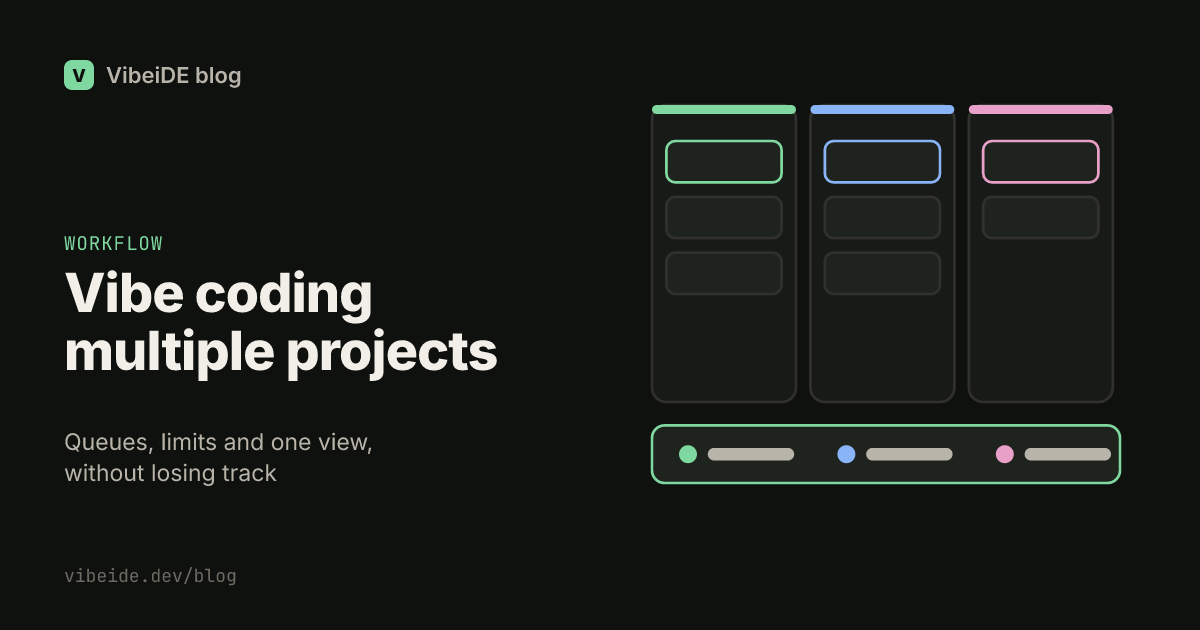
Running one coding agent on one project is easy. Running agents across three, five or eight projects is where most people start losing things: a finished fix nobody looked at, a task started in the wrong repository, a session that hit its usage limit an hour ago while you were working somewhere else. The agents are not the problem. The problem is that a terminal tab does not know which project it belongs to, what it was asked to do, or whether anyone has checked its result.
This guide covers a practical setup for vibe coding multiple projects at the same time, whether you use Claude Code, Codex, OpenCode or a mix.
Why several projects break a terminal workflow
A single project gives you natural context. You know what you asked, you know which folder you are in, and you check the result when the agent stops. Add more projects and three things break at once:
- Location. Every tab looks the same. It is easy to paste a request for one repository into a session running in another.
- Memory. You queue a request in project A, switch to project B for twenty minutes, and forget that A finished. Or that it stopped to ask a question.
- Capacity. Each provider has a usage window and each machine has limits. Five projects each running two agents is ten sessions competing for the same allowance.
The fix is to give every project its own structure, and to give yourself one view across all of them.
Give every project its own queue
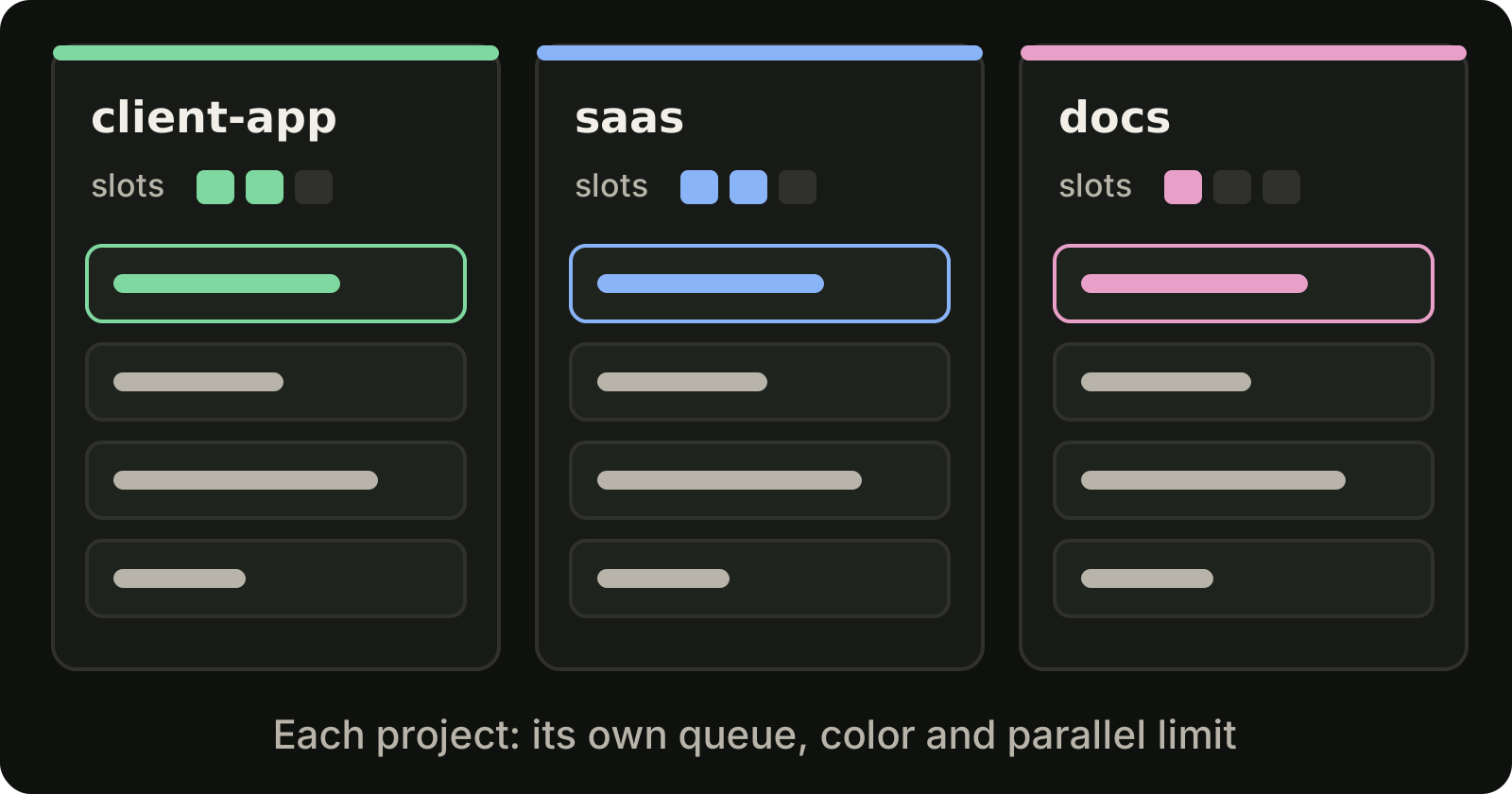
The first habit is to stop typing requests directly into whichever terminal happens to be open. Write each request as a task in the queue of the project it belongs to.
A per-project queue does three things:
- It captures ideas without starting them. You can write the next five requests for a project while its current task is still running.
- It keeps order explicit. You decide what runs first by reordering the queue, not by remembering which tab you typed into.
- It ties each task to a folder. A task queued in a project always runs in that project's directory, or in a worktree you chose for it.
Keep requests small and specific. "Add a CSV export to the invoice list, with a test for filtered exports" is a task. "Improve billing" is a week.
Set a parallel limit per project and per provider
Not every project deserves the same capacity. A client project with a deadline might get two Claude Code sessions and one Codex session. A side project might get one of each. A documentation site might only need OpenCode.
Set these limits per project, per provider. When a slot is free, the next queued task for that provider starts. When all slots are busy, tasks wait instead of piling up as extra terminals.
Two things to keep in mind:
- Slots control concurrency, not allowance. Running more sessions at once does not raise your provider limit, it only spends it faster. Check your plan's current limits on the official Claude Code and Codex pages.
- Concurrency does not isolate files. Two tasks in the same checkout can still write the same file. For parallel work inside one project, give each task its own git worktree. Our guide to running multiple Claude Code sessions shows how.
Make projects easy to tell apart
When you glance at a screen with work from several projects, you should know which project each item belongs to without reading the path. Simple conventions help:
- A color per project, used everywhere the project appears.
- Short task names that describe the outcome, not the prompt. "Invoice CSV export" beats "can you please look at the invoices page and".
- Stars for the few tasks that matter today, pinned above the rest.
This sounds cosmetic. In practice it is what stops you from reviewing the right diff in the wrong project.
Keep one global view of everything running
Each project having its own queue solves organisation. It does not solve awareness. You still need one place that answers: what is running right now, in which project, and what finished?
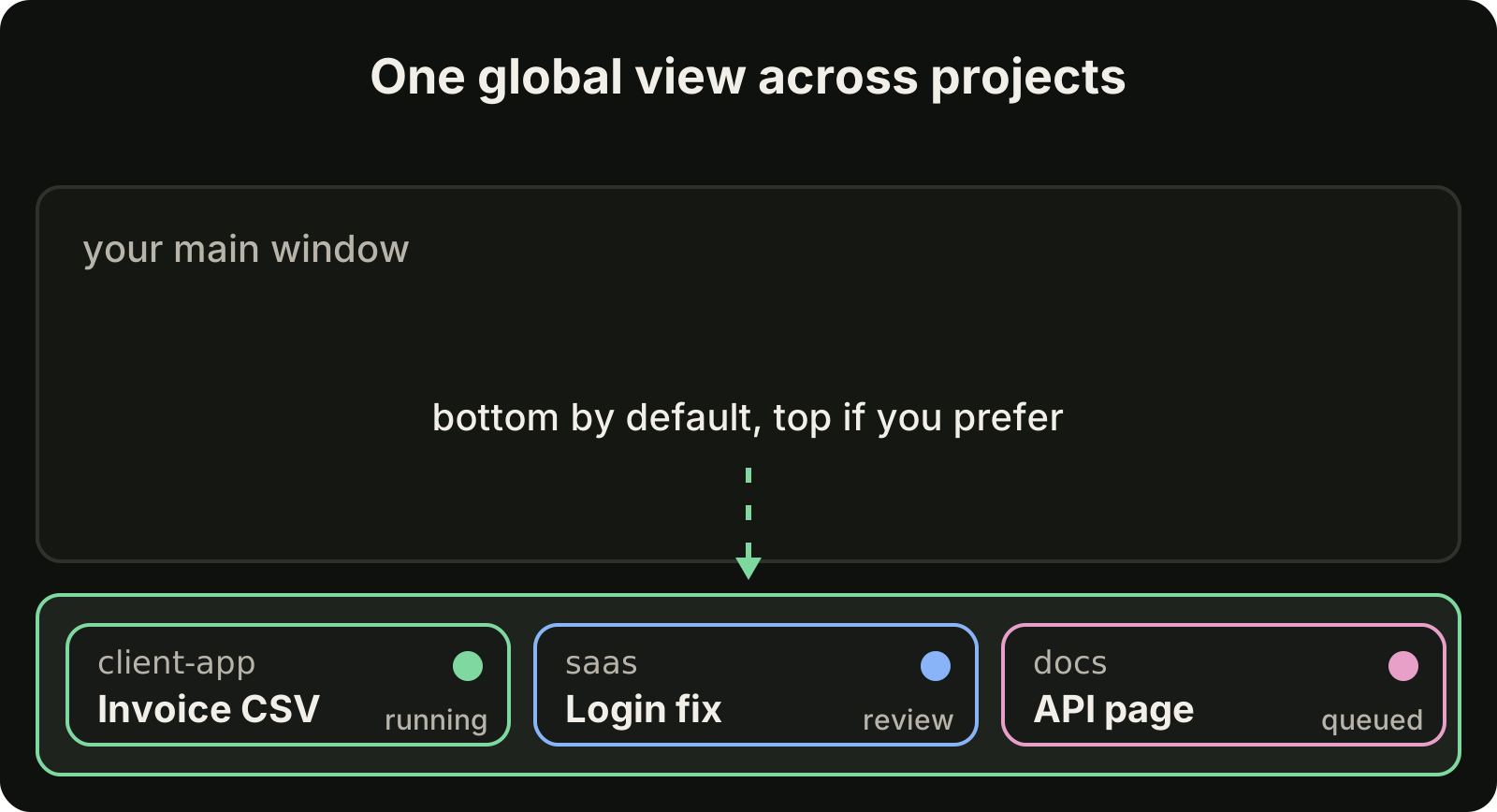
A global task strip across the edge of your screen works well for this. Put it at the bottom if your main working window sits above it, or at the top if that is where your eyes rest. Each entry shows the project, the task and its state, and clicking it takes you straight to that task. You stop switching projects just to check on them.
Treat review as the finish line
With several projects running, finished work arrives from different directions. The rule that keeps it manageable: a task is not done when the agent stops, it is done when you have reviewed it.
Keep a review inbox per project. For each finished task, check that the diff matches the request, run the checks that matter, then either accept it or send a follow-up in the same conversation. Anything finished but unreviewed is still work in progress, however green the agent's summary looks. A per-project task queue with a review state makes this rule easy to follow, and our guide on how to review AI generated code covers the review itself.
Watch your provider windows, not just your projects
Across several projects, the limit you hit first is usually the provider's, not your own. Keep the current usage and reset time of each provider visible, and route work accordingly:
- If one provider is near its limit, queue mechanical tasks for the other.
- Put large, context-heavy tasks at the start of a fresh window.
- Leave reviews and planning for the time a window is exhausted.
Plan the day around the windows instead of discovering them mid-task.
End the day with a changelog per project
Five projects in one day means five sets of changes you will not remember tomorrow. A short end-of-day changelog per project, grouped into Added, Changed and Fixed, turns the day's reviewed tasks into something you can paste into a standup, a client update or a commit message.
A simple daily routine
| When | What |
|---|---|
| Morning | Queue the day's requests per project, set parallel limits, star the priorities |
| During the day | Work from the global view, review finished tasks as they arrive, send follow-ups in the same conversation |
| When a provider window runs low | Move queued work to the other provider or switch to review |
| Evening | Clear the review inbox, generate each project's changelog |
Where VibeiDE fits
VibeiDE is a desktop app built for exactly this setup. It coordinates the Codex, Claude Code and OpenCode CLIs you already installed, with your own provider accounts. Each pinned project has its own queue, color and parallel limit per provider, tasks can be named, starred and reordered, and a global task monitor sits at the bottom of the window by default or at the top if you prefer. Finished tasks wait in Ready for review, each task keeps its saved provider conversation for follow-ups, the header shows provider-reported usage windows, and Standup turns a project's completed work into a copyable changelog. You can set it up in about three minutes and try it for 14 days without a card.
Takeaways
- Write requests as tasks in the queue of the project they belong to.
- Give each project its own parallel limit per provider, and use worktrees when tasks share a project.
- Make projects visually distinct so you never review the wrong diff.
- Keep one global view of everything running across projects.
- Count only reviewed work as done.
- Plan around provider windows, and close each day with a changelog per project.
If you run client work across several repositories, the agency setup and running agents in parallel go deeper on the same ideas.