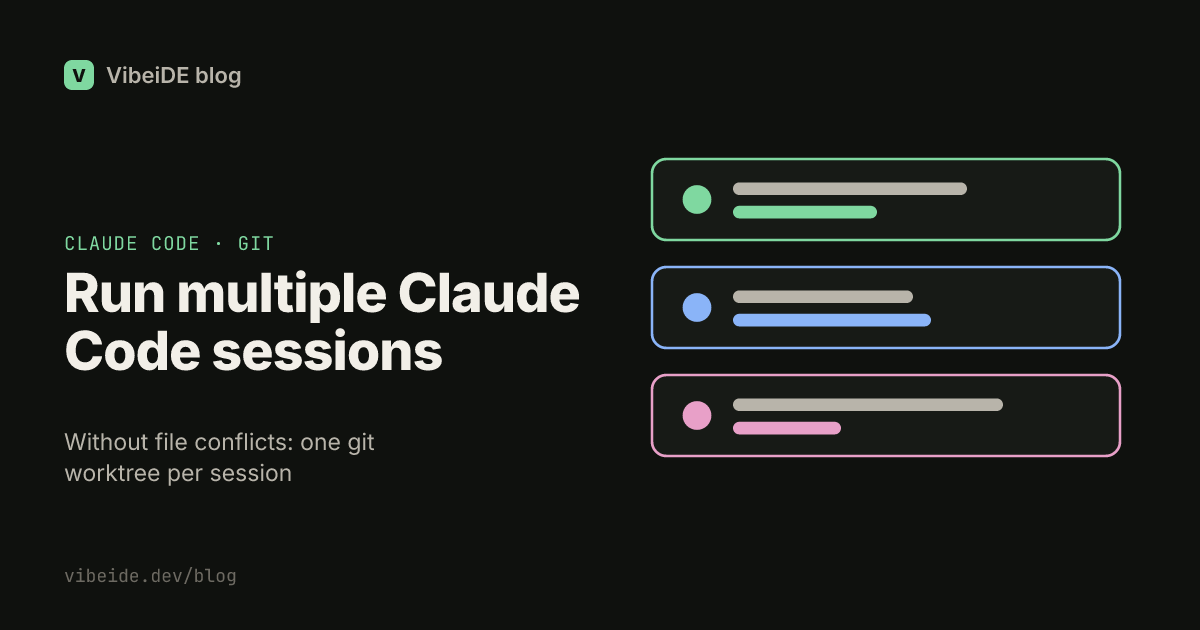
Running one Claude Code session is simple. Running three at once on the same repository is where most people get burned. One session edits a file while another is halfway through testing it. A third reformats a directory the first one depends on. Nothing crashes loudly. You just end up with a working tree full of changes from several tasks, and no clean way to tell which change belongs to which request.
The fix is not to run fewer sessions. It is to give each session its own place to work. This guide shows how to run multiple Claude Code sessions on one project without file conflicts, using git worktrees, and how to split and merge the work so it stays reviewable.
Why parallel sessions collide
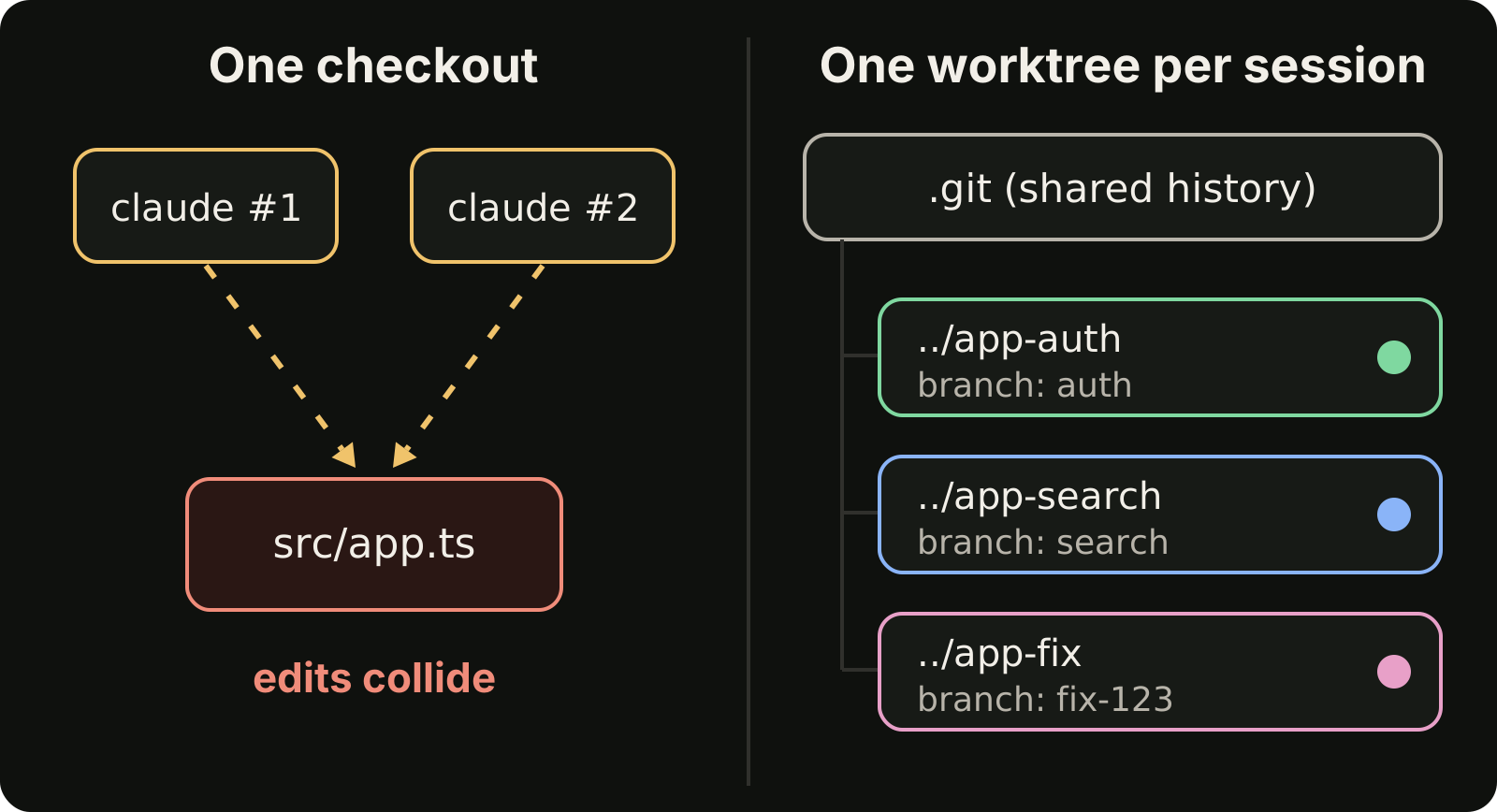
Every Claude Code session works on the files in its current directory. If two sessions start in the same checkout, they share one working tree. That creates three kinds of trouble:
- Overlapping edits. Two sessions change the same file. The second write wins, and the first session's change is silently lost or half merged.
- Moving ground. A session runs tests while another one is editing code under them. The results no longer describe the code that will be committed.
- Tangled diffs. When both finish,
git diffshows one blob of changes. You cannot review or revert one task without the other.
Running sessions in separate terminals does not help, because the terminals still point at the same folder. The isolation has to happen at the file level.
Option 1: a git worktree per session
A git worktree is a second working directory attached to the same repository. Each worktree has its own checked-out branch and its own files, while sharing one .git history. It is the cheapest way to get real isolation, because you do not clone the repository again.
Create one worktree per task, each on a new branch:
git worktree add -b auth ../app-auth
git worktree add -b search ../app-search
git worktree add -b fix-123 ../app-fix
Then start one Claude Code session in each directory:
cd ../app-auth && claudeEach session now edits its own files. They cannot overwrite each other, and each task ends as its own branch with its own diff.
A few rules that save time:
- One branch per worktree. Git refuses to check out the same branch in two worktrees, which is exactly what you want.
- Install dependencies per worktree. Each directory needs its own
node_modulesor virtual environment. Budget a minute for this. - Watch shared ports. Two dev servers on port 3000 will fight. Give each worktree its own port through an environment variable.
- Clean up when done. Run
git worktree remove ../app-authafter the branch is merged, andgit worktree prunefor folders you deleted by hand.
Option 2: let Claude Code create the worktree
Claude Code can create the worktree for you. As of September 2026, the common workflows documentation shows this:
claude --worktree feature-authRun the same command with a different name in a second terminal to start another isolated session. The repository needs at least one commit first. The worktrees page covers cleanup and .worktreeinclude, which copies untracked files such as local environment files into new worktrees.
This is the fastest path when you start sessions by hand. The manual git worktree commands give you more control over names, locations and the source branch.
The same question comes up inside a single session. Claude Code subagents start in the main session's working directory, so by default they read and edit the same files as you. As of October 2026, the subagents documentation lets a custom subagent set isolation: worktree in its frontmatter to run in a temporary worktree instead, which is worth doing for any subagent that edits code.
Option 3: separate clones
A full second clone also isolates files. It costs more disk space and every clone fetches separately, but it can be simpler when projects use tools that do not handle worktrees well. For most repositories, worktrees are the better default.
Split the work so it can run in parallel
Isolation stops file collisions. It does not stop merge conflicts later. Two sessions editing the same function in different worktrees will still conflict when you merge. So split the tasks with the merge in mind:
- Split by area, not by step. "Add search to the invoices page" and "fix the login redirect" run well in parallel. "Write the model" and "write the API for that model" do not, because the second depends on the first.
- Keep shared files out of parallel tasks. Lockfiles, route tables and global config attract conflicts. Give those changes to one task, or do them first.
- Write the definition of done into each request. State which files a session may change and which check proves it finished. A session that knows its scope rarely wanders into another task's files.
- Keep sessions short. One request per session gives you one diff to review. Long sessions that collect several requests are hard to split later.
Merge back one reviewed branch at a time
Parallel sessions finish at different times. Merge them one by one:
- When a session finishes, review its diff in that worktree.
- Run the tests there, not in your main checkout.
- Merge or open a pull request for that branch.
- Rebase the remaining branches on the updated main before they finish, so conflicts show up early and small.
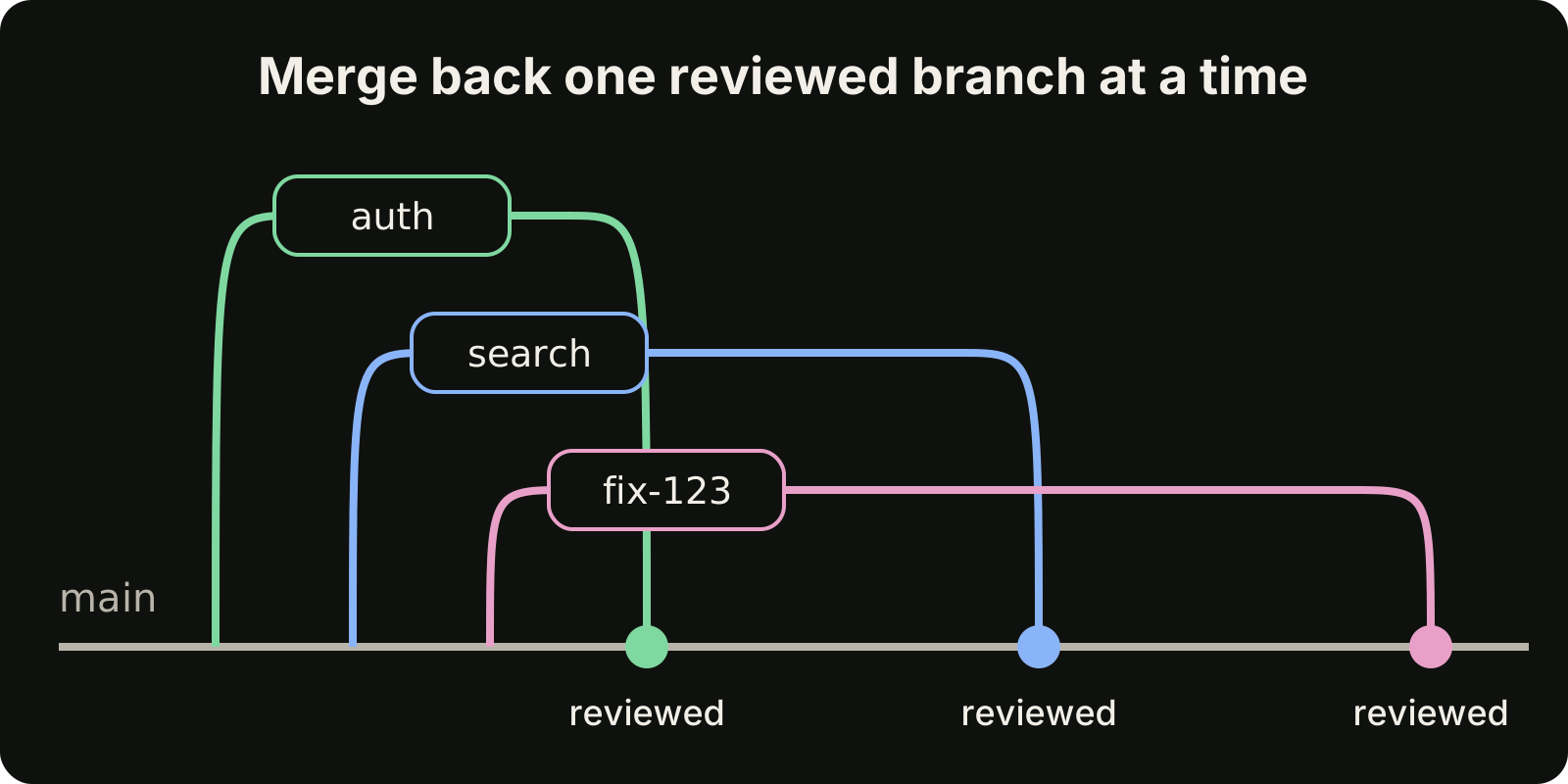
Do not merge a branch just because the session stopped. A finished session is an unreviewed change. For a practical review routine, see our guide on how to review AI generated code.
How many sessions is too many?
The limit is usually not your machine. It is your review capacity and your usage allowance.
Every session draws from the same Claude plan. As of September 2026, the Claude pricing page says every plan has usage limits that reset on a rolling five-hour window, and paid plans add weekly limits. Five parallel sessions spend that allowance about five times faster than one. They do not give you more of it.
Review is the other ceiling. If three sessions finish every twenty minutes and each diff takes ten minutes to review, you are already the bottleneck. Start with two or three sessions, and add more only when your review queue stays short. Our page on Claude Code rate limits covers how to plan work around the windows, and Codex vs Claude Code covers splitting work across two providers.
Where VibeiDE fits
VibeiDE is a desktop app that coordinates the Codex, Claude Code and OpenCode CLIs you already installed, with your own provider accounts. Each project has its own task queue, and each project sets its own parallel limit per provider, so a task starts only when a slot is free. Slots control how many processes run at once; they do not raise your provider allowance, and they do not isolate files on their own. For that, the composer's "New worktree per task" mode gives each task its own git worktree and branch from a chosen source, so tasks run side by side. See running AI coding agents in parallel and the Claude Code page for details.
Checklist
- One session, one worktree, one branch.
- Install dependencies and set a unique port in each worktree.
- Split tasks by area, and keep shared files in a single task.
- Give subagents that edit code
isolation: worktree. - Put the allowed files and a verification step in every request.
- Review and merge one branch at a time, and rebase the rest early.
- Scale the number of sessions to your review speed and your usage window, not to your CPU.