OpenCode and Codex are both terminal coding agents that read your repository, edit files and run commands. They differ in where the model comes from, how they limit what the agent can do, and how you configure and script them. This comparison is based on the official OpenCode docs and the Codex CLI docs as of September 2026, and ends with how to choose and how to run both on the same project.
The short answer
Choose Codex when you want a first-party OpenAI agent with a clear sandbox model and you already sign in with a ChatGPT account. Choose OpenCode when you want to pick the provider and model yourself, mix providers, or run local models. Many teams keep both installed, because the tools read the same AGENTS.md and can work on different tasks side by side. If you are also weighing Claude Code, see OpenCode vs Claude Code and Codex vs Claude Code.
At a glance
| Codex | OpenCode | |
|---|---|---|
| Models | OpenAI models, chosen with /model | Any connected provider, listed with opencode models |
| Sign-in | Sign in with ChatGPT, plus other methods | /connect or opencode auth login per provider |
| Safety model | Sandbox modes plus approval policies | Per-tool permissions and Plan/Build agents |
| Instructions file | AGENTS.md, created with /init | AGENTS.md, created with /init |
| Non-interactive | codex exec | opencode run, opencode serve |
| Config | config.toml | opencode.json |
| Local models | --oss flag | Ollama, LM Studio, llama.cpp providers |
Models and accounts
Codex is built around OpenAI models. You start it with codex in a project folder, sign in with ChatGPT or another supported method, and choose a model and reasoning effort with /model. There is also an --oss flag that points Codex at a local open source model provider. Our guide to installing the Codex CLI covers setup step by step, and Codex models covers which model to pick and how to set a default.
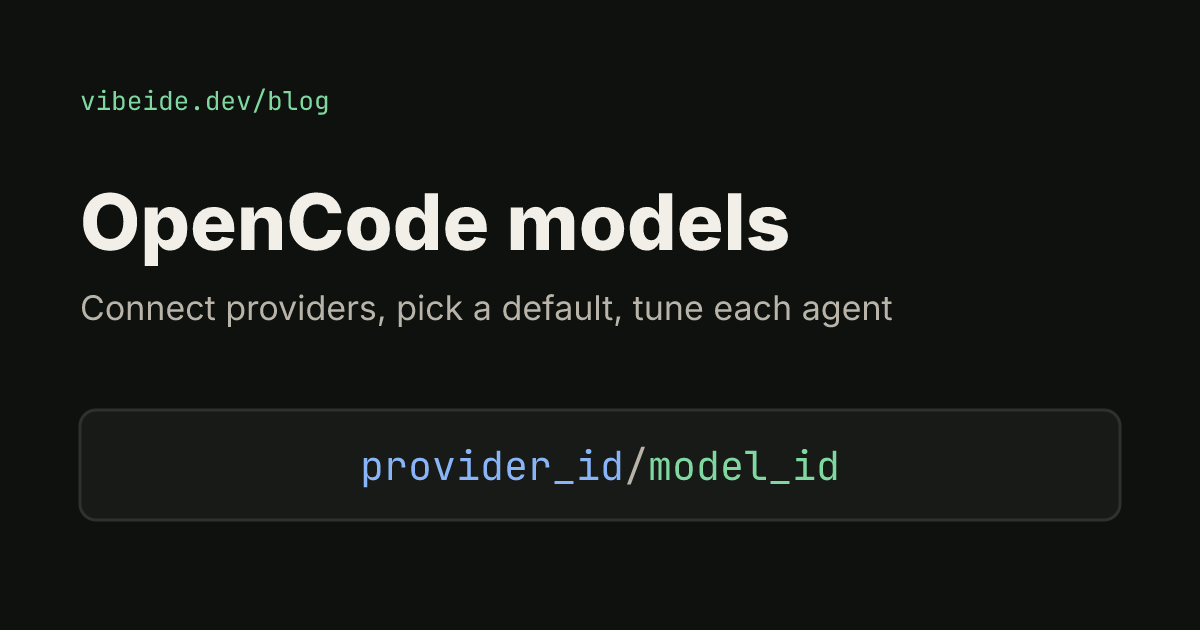
OpenCode is provider-agnostic. You run /connect, pick a provider and add credentials, and opencode models lists everything available as provider/model. The documented providers include OpenAI, Anthropic, GitHub Copilot, its own curated OpenCode Zen and local servers. Which subscriptions work with which tools is set by each provider and changes over time, so read the provider's terms before you plan around a subscription. Our OpenCode models guide shows how to set defaults, variants and per-agent models.
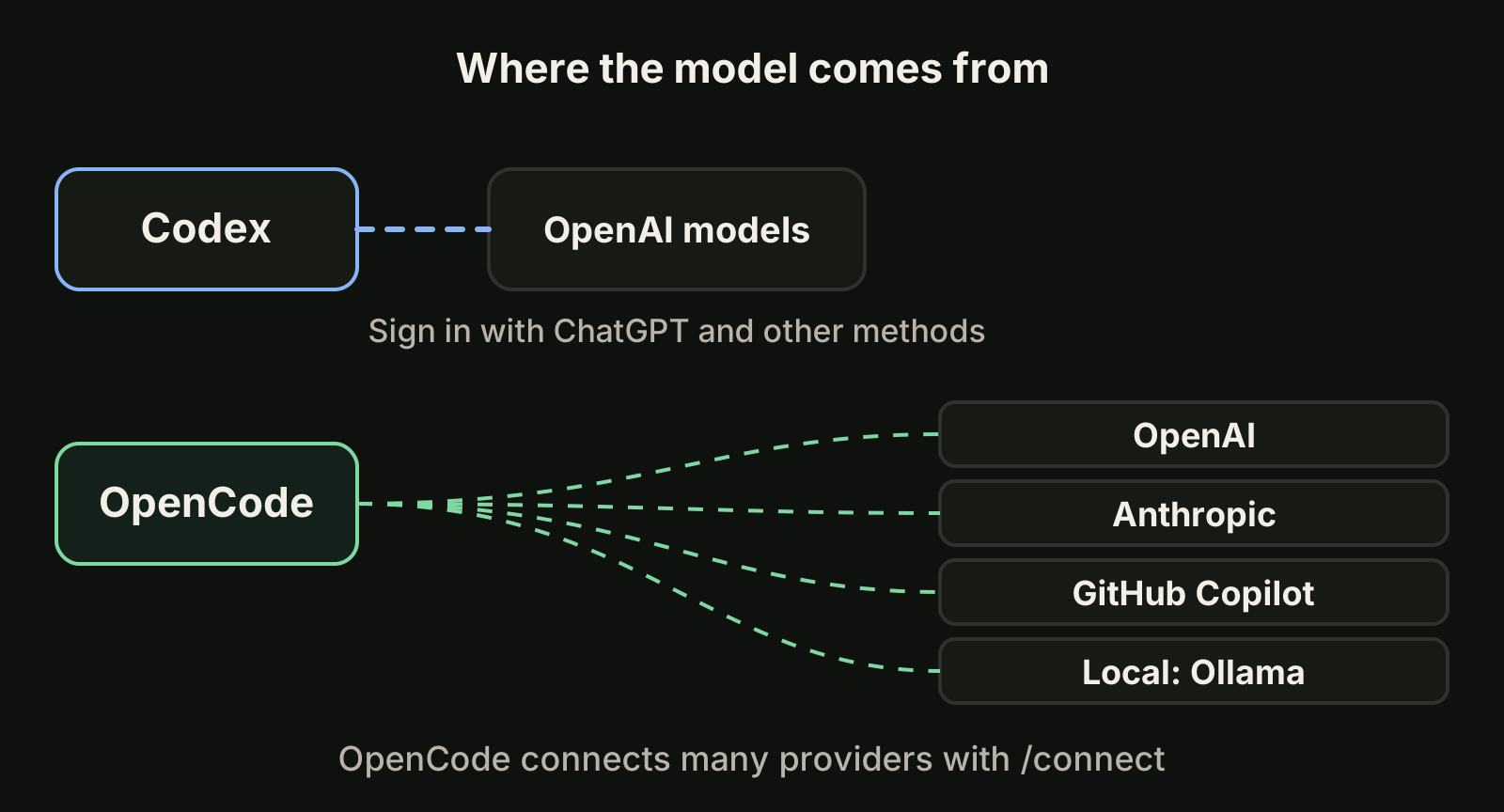
If you want to compare how two different models handle the same task, OpenCode makes that a one-flag change (--model provider/model). If you want one vendor, one login and one set of usage rules, Codex is simpler.
Sandboxing and approvals
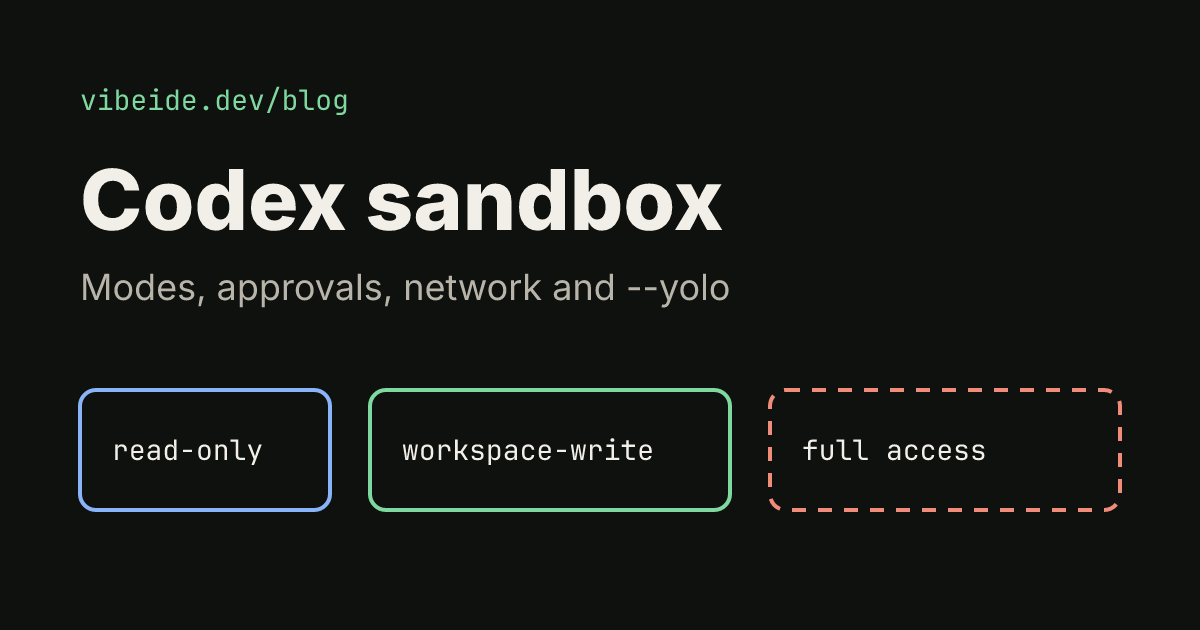
This is the biggest practical difference. Codex separates two ideas. The sandbox mode sets what the agent can technically do: read-only, workspace-write or danger-full-access. The approval policy sets when it must ask, for example on-request or never. In a version-controlled folder Codex recommends its Auto setup, which is workspace-write with on-request approvals, and network access is off by default in workspace-write. Folders that are not under version control start read-only until you trust them. You can set these with --sandbox and --ask-for-approval, or with sandbox_mode and approval_policy in config.toml. The details are in the Codex approvals and security docs and our Codex sandbox guide.
OpenCode works at the tool level. The permission setting controls whether edits and shell commands need approval, for example "edit": "ask" and "bash": "ask". Its Plan agent ships with edits and bash set to ask, and its Build agent has all tools enabled.
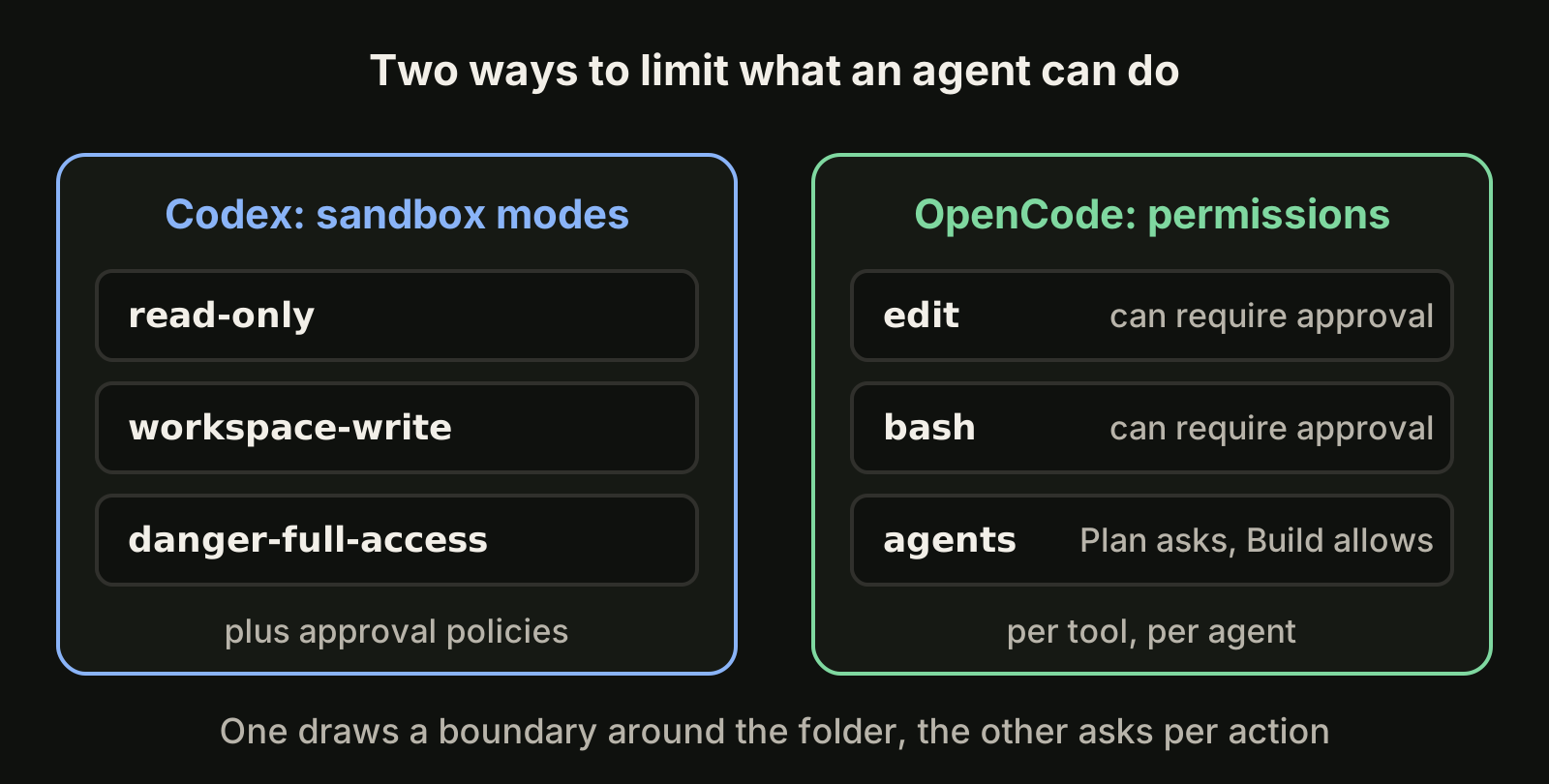
Put simply, Codex draws a boundary around the working folder and lets the agent move freely inside it, while OpenCode lets you decide per action. Neither replaces review of the result. A sandbox limits damage, it does not tell you whether the change is correct.
Instructions and project setup
Both tools read AGENTS.md, and both can generate a starter with /init. That makes a shared file the easiest way to run both on one repository. Keep build commands, layout and conventions in it, and keep tool-specific settings in each tool's own config. Our guide to AGENTS.md for Codex explains discovery and size limits, and the OpenCode install guide covers the OpenCode side.
Scripting and automation
For non-interactive runs, Codex has codex exec (alias codex e). It is designed for scripted or CI-style runs, and it supports --json for machine-readable output, --output-last-message for just the final answer, --output-schema for structured output and --sandbox to pick a sandbox. codex resume reopens a recent session.
OpenCode covers the same ground with opencode run "prompt" for a single prompt, opencode serve for a headless HTTP server and opencode web for the same server with a web interface. opencode attach connects a terminal to a running server, --continue and --session reuse sessions, and --format json prints raw JSON events.
# Codex: one scripted task, final message only
codex exec --sandbox workspace-write --output-last-message "Add tests for the date parser"

# OpenCode: one scripted task with an explicit model
opencode run --model anthropic/claude-sonnet-4-5 "Add tests for the date parser"
Which one for which task
- A well-scoped change in a repository you trust: either works. Codex's Auto setup keeps edits inside the workspace with few prompts.
- An unfamiliar codebase or a risky migration: start with OpenCode's Plan agent or Codex's
read-onlymode, read the proposal, then let it edit. - Comparing models or using a local model: OpenCode, because switching provider is a config change.
- CI jobs and scripts: both have a non-interactive command. Pick the one that matches the account you want billed.
- A second opinion on a plan: run the plan through the other tool. Our plan council page describes this pattern with Codex and Claude Code.
Running both on one project
Two agents editing the same files will collide, whichever tools they are. The fix is task ownership: one task per session, and a separate Git worktree for each task that runs at the same time.
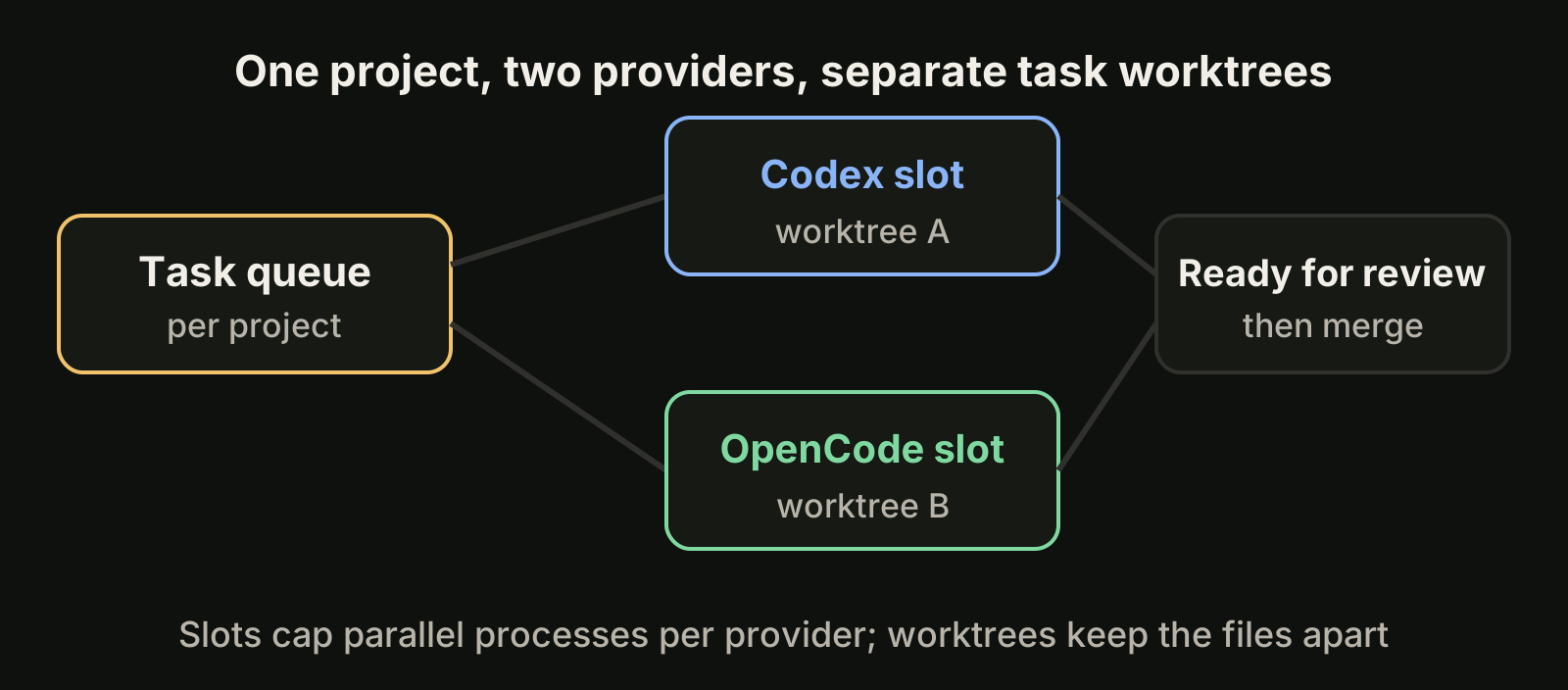
VibeiDE is a desktop app that coordinates the Codex, Claude Code and OpenCode CLIs you already installed, with your own provider accounts. Codex runs in an embedded terminal that shows the original CLI, while OpenCode runs headless with recorded activity. Each project has its own task queue with a parallel limit per provider, and the composer's "New worktree per task" mode gives each task its own worktree and branch. Slots control how many processes run at once, not how much your providers allow. Finished tasks wait in Ready for review until you mark them reviewed. See the Codex page and the OpenCode page, or read how to run agents in parallel.
Common questions
Is OpenCode a replacement for Codex?
No. They overlap, but they are separate tools with separate accounts. OpenCode is a way to choose your own providers, Codex is OpenAI's agent. Many developers use each where it fits.
Do OpenCode and Codex share sessions?
No. Each keeps its own sessions, so a follow-up continues in the tool that started the task.
Which is safer?
Neither is safe by default in every setup. Codex's default in a version-controlled folder limits writes to the workspace and keeps network access off, and OpenCode lets you require approval for edits and commands. Review the diff either way.
Takeaways
- Codex is OpenAI's agent with sandbox modes and approval policies; OpenCode is provider-agnostic with per-tool permissions.
- Both read
AGENTS.mdand generate one with/init, so a shared file works. - Use
codex execoropencode runandopencode servefor scripting. - Pick OpenCode to choose or compare models, and Codex for a single-vendor setup.
- Running both on one repository needs one task per session and a worktree per parallel task.
- Recheck the official docs after upgrades, because flags and defaults change.