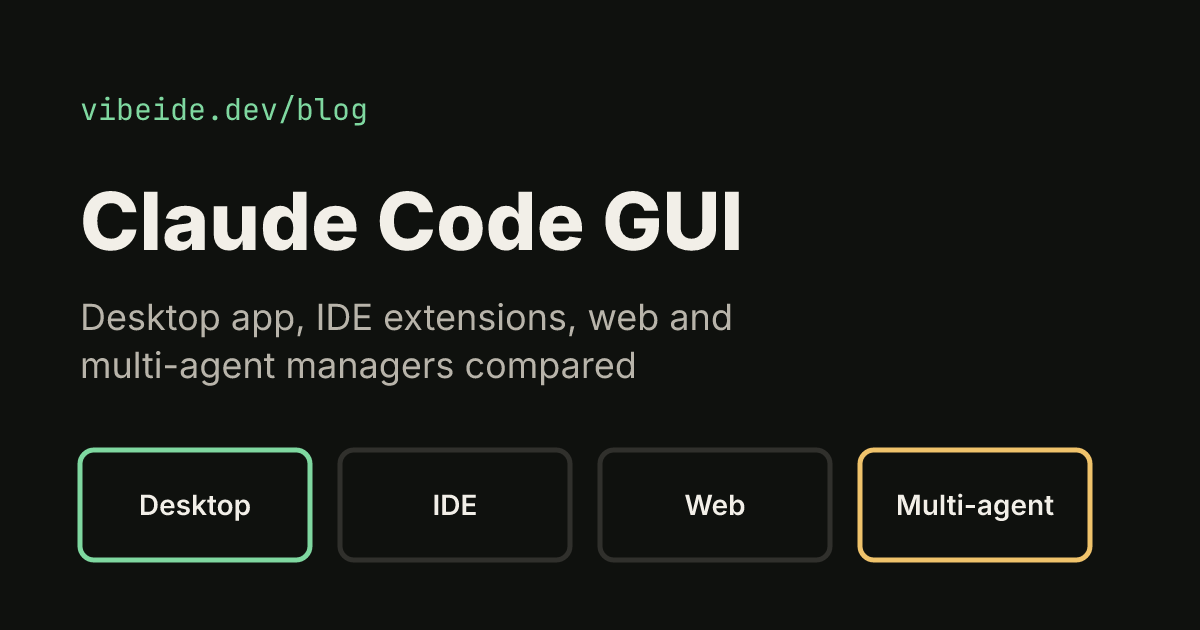
Claude Code started as a terminal tool, but you no longer need a terminal to use it. As of October 2026 there are four official graphical ways to run it, plus third-party apps that put several coding agents in one window. This guide compares them so you can pick a Claude Code GUI that fits how you work, checked against the official documentation on 16 October 2026.
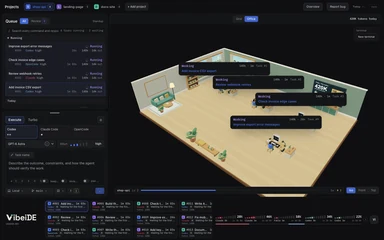 Your agents, in one office.Every task gets a desk and a live status card. Click a desk to focus it.Try VibeiDE free
 Quick answer: for a standalone Claude Code GUI, install the Claude desktop app and open its Code tab (macOS, Windows, Linux in beta). If you live in an editor, use the VS Code or JetBrains extension. If you also run Codex or OpenCode and want them in one place, use a multi-agent manager such as Claude Squad (terminal) or VibeiDE (desktop). If you would rather stay in the terminal, our guide to the best terminal for Claude Code compares Ghostty, iTerm2, WezTerm, Warp and Windows Terminal.
The official Claude Code GUIs
Anthropic ships Claude Code on several surfaces, and the overview page says each one connects to the same engine, so your CLAUDE.md files, settings and MCP servers work across all of them.
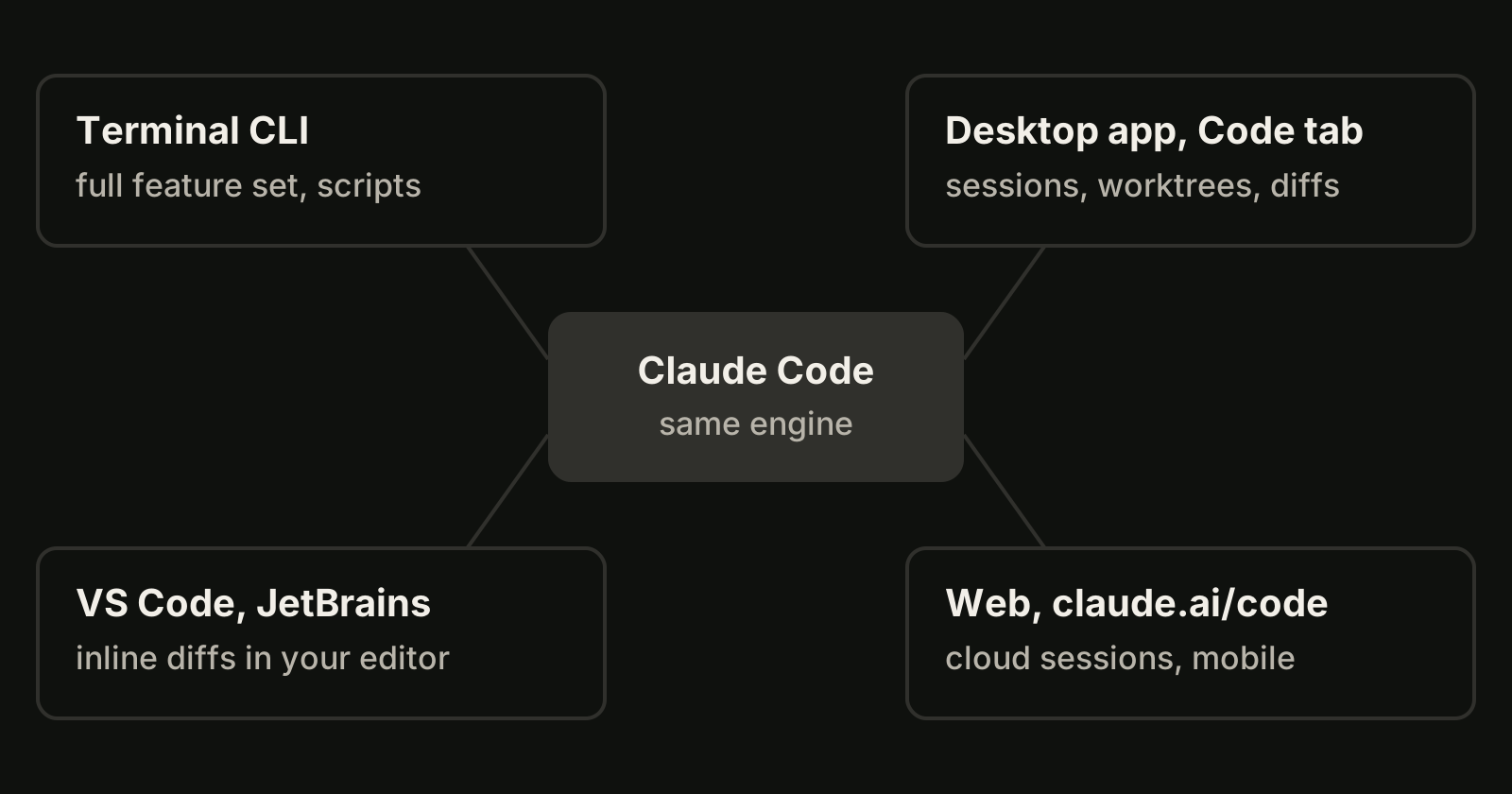
| Option | Where it runs | Best for | Needs |
|---|---|---|---|
| Desktop app, Code tab | macOS, Windows, Linux (beta on Ubuntu and Debian) | A standalone GUI with parallel sessions and visual diffs | Paid Claude subscription; CLI not required |
| VS Code extension | VS Code 1.94 or later, also Cursor | Working inside your editor with inline diffs | Paid Claude plan or a Console account |
| JetBrains plugin | IntelliJ IDEA, PyCharm, WebStorm and others | JetBrains users who want diff viewing in the IDE | The Claude Code CLI installed separately |
| Web, claude.ai/code | Desktop browsers and the Claude mobile apps | Long tasks in the cloud and repos you don't have locally | A Claude subscription |
Plan requirements change, so check the Claude pricing page before you decide.
The desktop app: the closest thing to a Claude Code IDE
The desktop app includes Claude Code, so you don't install the CLI separately. Sign in, click the Code tab, choose an environment (Local, Cloud, SSH, or WSL on Windows), a project folder, a model and a permission mode, then type the task.
What makes it more than a chat window:
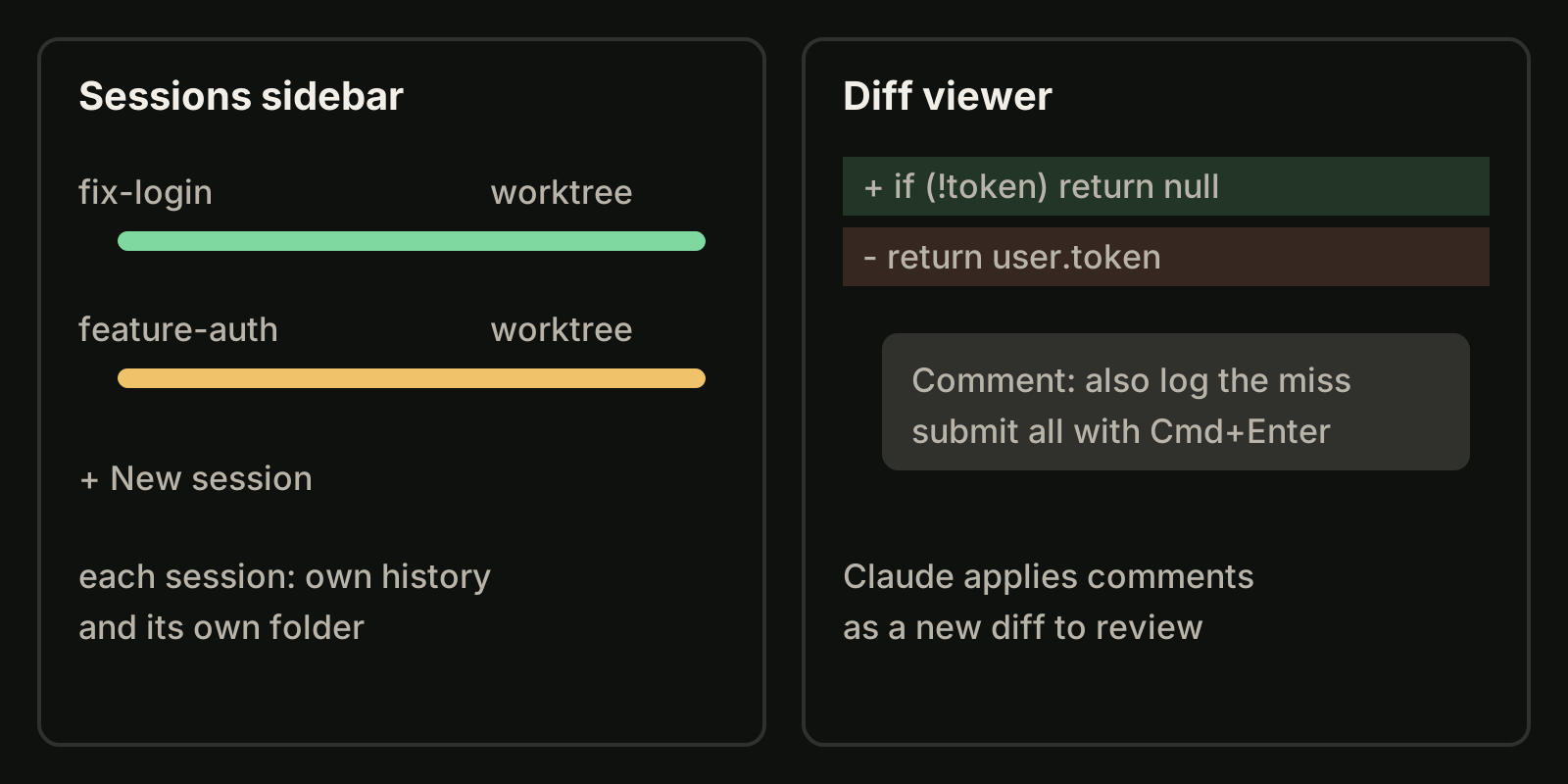
- Parallel sessions. Click + New session and pick the worktree option to give that session its own isolated copy of the project. Worktrees go to
.claude/worktrees/in the project root by default. Hold Cmd or Ctrl while clicking a second session to see two side by side. - Visual review. A change counter such as
+12 -1opens the diff viewer. Click any line to comment, then submit all comments with Cmd+Enter or Ctrl+Enter, and Claude answers with a new diff. - Permission modes in the UI. Manual, Accept edits, Plan, Auto and Bypass permissions sit in a menu instead of flags. Our Claude Code permissions guide explains what each mode allows.
- Handoff from the terminal. Running
/desktopin a terminal session continues it in the desktop app on macOS and x64 Windows.
If you want to understand what the worktree option does underneath, our Claude Code worktree guide covers the same mechanism from the CLI side.
IDE extensions: a GUI inside the editor you already use
The VS Code extension is described as a native graphical interface for Claude Code. You can review and edit Claude's plans before accepting them, auto-accept edits, @-mention files with line ranges from your selection, browse conversation history and open several conversations in separate tabs or windows. It installs in Cursor too.
The JetBrains plugin brings interactive diff viewing and selection context sharing to IntelliJ IDEA, PyCharm, WebStorm and the other JetBrains IDEs. Unlike the desktop app, it needs the CLI installed.
Pick the extension when most of your day is spent reading and editing code by hand, and Claude is one helper among your tools.
Claude Code on the web
Claude Code on the web at claude.ai/code needs no local setup. It suits long-running tasks you want to check later, repositories you have not cloned and parallel cloud tasks, and it is also reachable from the Claude app on iOS and Android. The trade-off is that the work runs in a cloud environment rather than on your machine.
When you run more than Claude Code
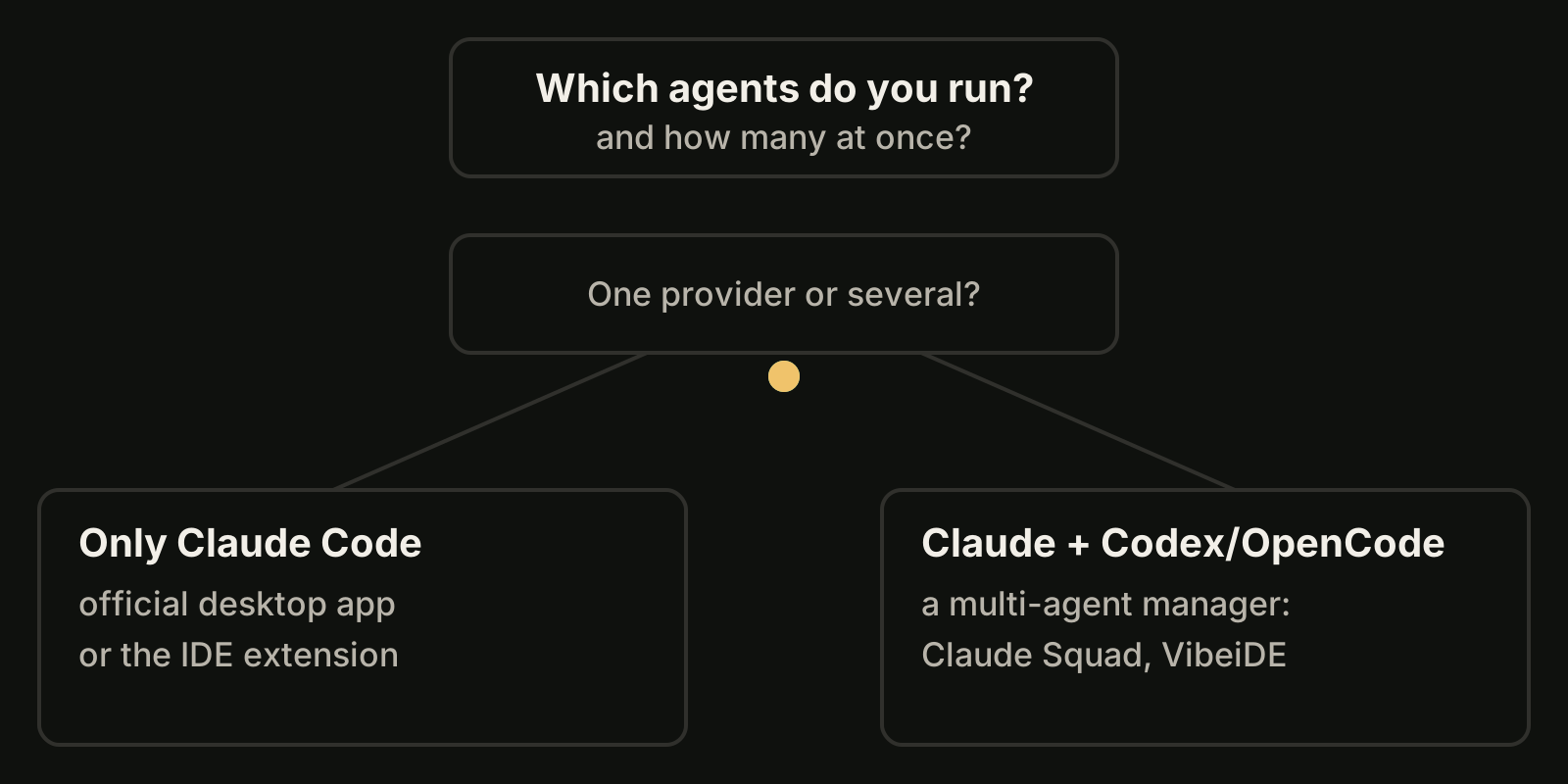
The official GUIs are built for Claude Code. If your day also includes Codex or OpenCode, you end up with one app per provider plus a terminal or two. OpenCode has its own official desktop app and web UI, compared in our OpenCode desktop app guide. That is where multi-agent managers come in:
- Claude Squad is a free, AGPL-3.0 terminal app that manages several Claude Code, Codex, Gemini and Aider sessions, using tmux for isolated terminal sessions and git worktrees so each session works on its own branch. Install it with
brew install claude-squadand start it withcs. It is a text interface rather than a windowed GUI. Our VibeiDE vs Claude Squad page compares the two workflows. - Conductor offers a macOS desktop app and an iOS app, plus Conductor Cloud for isolated cloud sandboxes, and says it runs the Claude Code, Codex, Cursor and OpenCode agents with your own subscriptions. See VibeiDE vs Conductor.
- VibeiDE is a desktop app that coordinates the Codex, Claude Code and OpenCode CLIs you already installed; Codex and Claude Code run in embedded terminals that show the original CLI interface, while OpenCode runs headless with recorded activity. Each project has its own task queue, the "New worktree per task" mode gives each task its own Git worktree and branch, and finished tasks wait in Ready for review. macOS is fully validated, Windows is supported and the Linux build is experimental. See the Claude Code page or the parallel agents use case.
How to choose a Claude Code GUI
| If you want to... | Use |
|---|---|
| Run Claude Code without a terminal | Desktop app, Code tab |
| Keep Claude next to your code in the editor | VS Code or JetBrains extension |
| Start a task and close the laptop | Claude Code on the web |
| Run several Claude sessions without file conflicts | Desktop app sessions with the worktree option |
| Manage Claude Code, Codex and OpenCode together | A multi-agent manager such as Claude Squad or VibeiDE |
| Stay in the terminal but see all sessions | Claude Squad, or plain parallel sessions |
FAQ
Is there an official Claude Code GUI?
Yes. The Claude desktop app has a Code tab that runs Claude Code with sessions, worktrees and a diff viewer, and the VS Code and JetBrains extensions add a graphical panel inside those IDEs.
Do I need the CLI to use the desktop app?
No. The overview page says the desktop app includes Claude Code, so you don't need to install the CLI separately. The JetBrains plugin is the exception: it needs the CLI.
Does the Claude Code GUI work on Linux?
The desktop app is in beta on Ubuntu and Debian, installed with apt. The VS Code extension and the web version also work on Linux.
Can one GUI run Claude Code and Codex together?
The official apps run Claude Code only. To run Claude Code, Codex and OpenCode side by side you need a third-party manager; compare their platforms, pricing and isolation model before you commit.
Takeaways
- The desktop app's Code tab is the official standalone Claude Code GUI on macOS, Windows and Linux (beta).
- Use its worktree option for parallel sessions, and comment on diff lines to request changes.
- The VS Code and JetBrains extensions are the better fit if you mostly work in an editor.
- Claude Code on the web is for cloud tasks you want to check later.
- If you also use Codex or OpenCode, a multi-agent manager saves juggling one app per provider.